OPERATION
© 2014 Mold-Masters (2007) Limited. All Rights Reserved.
Revised 1 Oct, 2014
6-2
6.1 Log in
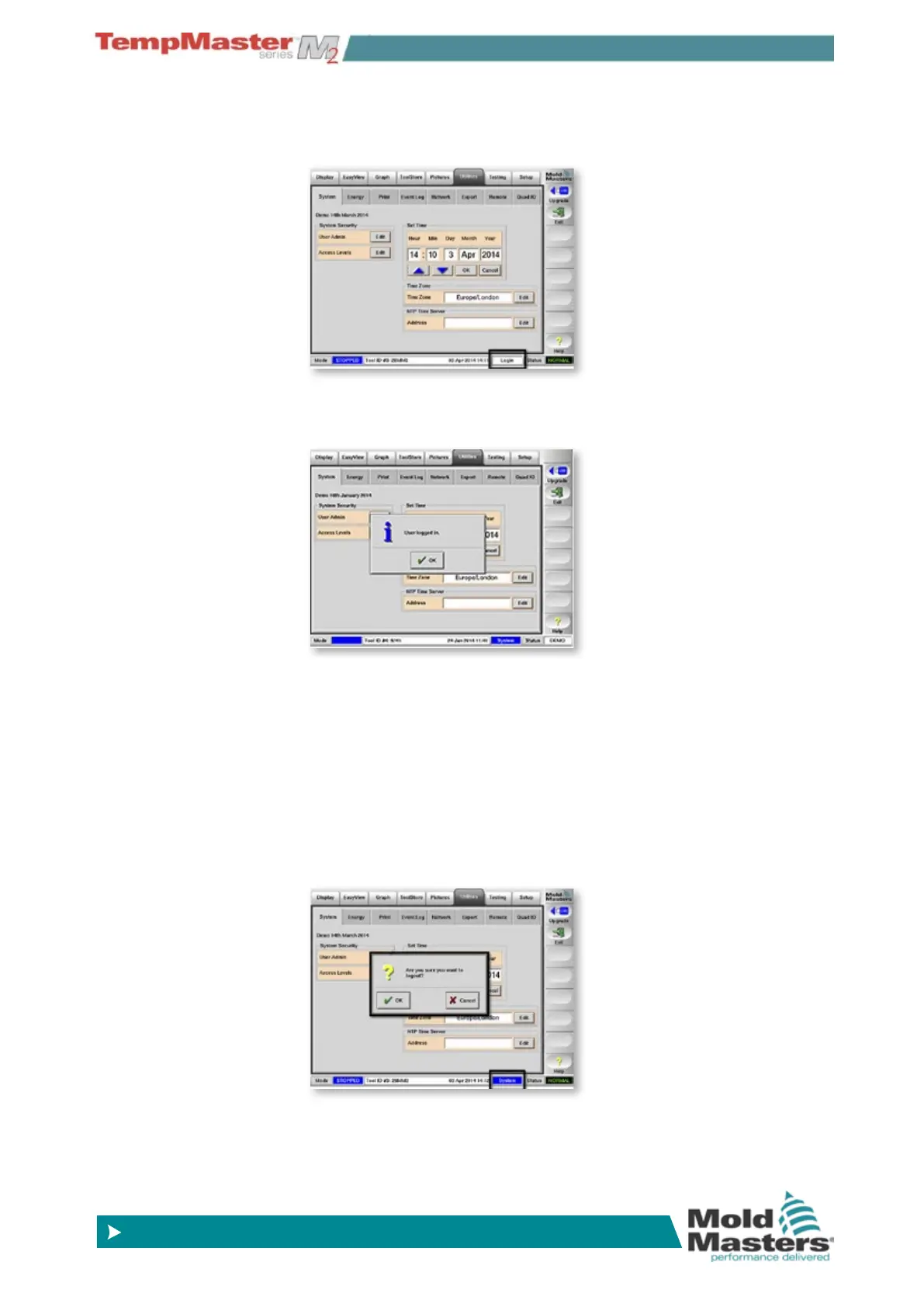
You can log in from any page by touching the [Login] button on
the bottom Status and Mode bar.
This then shows a keyboard in which you must type your pass-
word. If the password is accepted then the screen conrms “User
Logged In”.
Once logged in then you can access operations until either the
logout timer expires or you log out.
Also if you try to make any changes while not logged in, then the
login keyboard appears to request a valid password. Once you
enter that then you are logged in to continue the action.
6.1.1 Log Out
Logout is achieved automatically by inputting no further com-
mands for the Logout time setting. Once the screen has been idle
for that time then the current user is logged out.
Alternatively you can immediately log out if you touch the same
[
Login] button after which the console asks you to conrm the
logout action or cancel if it was an erroneous touch.



 To Next Page