OPERATION
© 2014 Mold-Masters (2007) Limited. All Rights Reserved.
Revised 1 Oct, 2014
6-49
6.31 Dynamic Remote Tool Load Process
This sequence allows a degree of control and feed-back. The proce-
dure to remotely load another tool (in this example it will be tool 10) is
as follows:
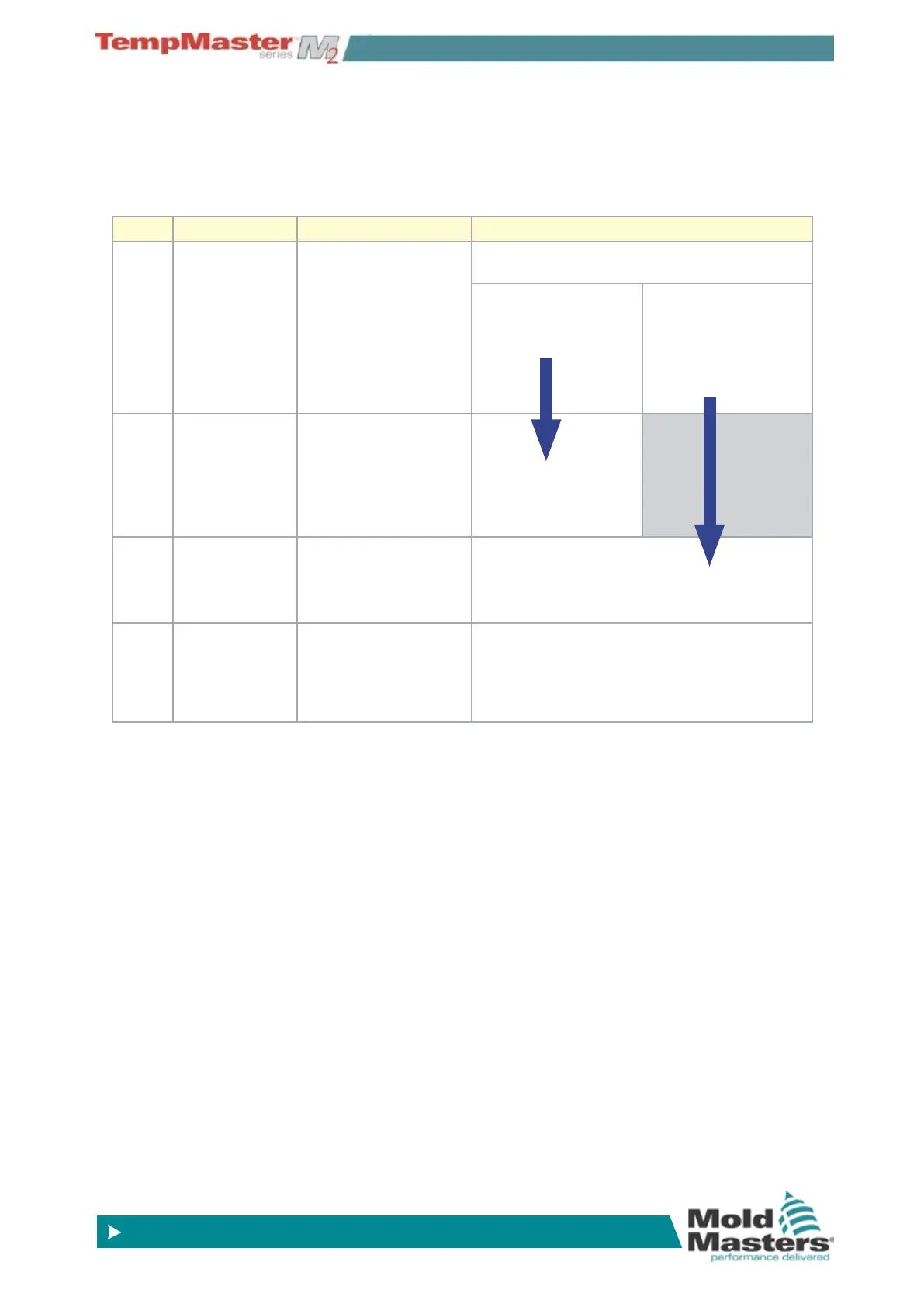
Step Action Remote Machine Local Console
1 Selects a Tool
and Initiates
tool load.
Connects pins 14
(ground) to pins 3 & 5
(address 2+8 = 10) and
pin 1 (“tool load”).
Console checks to see that it has valid tool
settings in that tool bank.
If “no” then there is
no change in “Tool
Loaded “signal.
If yes then it disables
“Tool loaded Signal”
( pins 11& 12 go
“Closed” while pins
12&13 go “Open”).
2 Console
cannot nd any
conguration for
selected tool.
Machine sees that
no tool change has
occurred. It may ag an
error to await operator
intervention.
Process ends.
The Console displays
an error message -
“No Tool Found”.
Process
skips
step 2
and goes
to step 3.
3 Console can
nd a tool and
loads it.
Waits for “Tool Loaded
Signal”.
Loads Tool 10 and indicates process is nished
by enabling “Tool Loaded Signal” (pins 11 &12
go “Open” and pins 12 & 13 go “Closed”).
4 Process Ends. Sees “Tool Loaded
signal” from console
and disconnects Pins1,
3 & 5 from ground (pin
14).
Console loses the “Change Tool” command.



 To Next Page