OPERATION
© 2014 Mold-Masters (2007) Limited. All Rights Reserved.
Revised 1 Oct, 2014
6-24
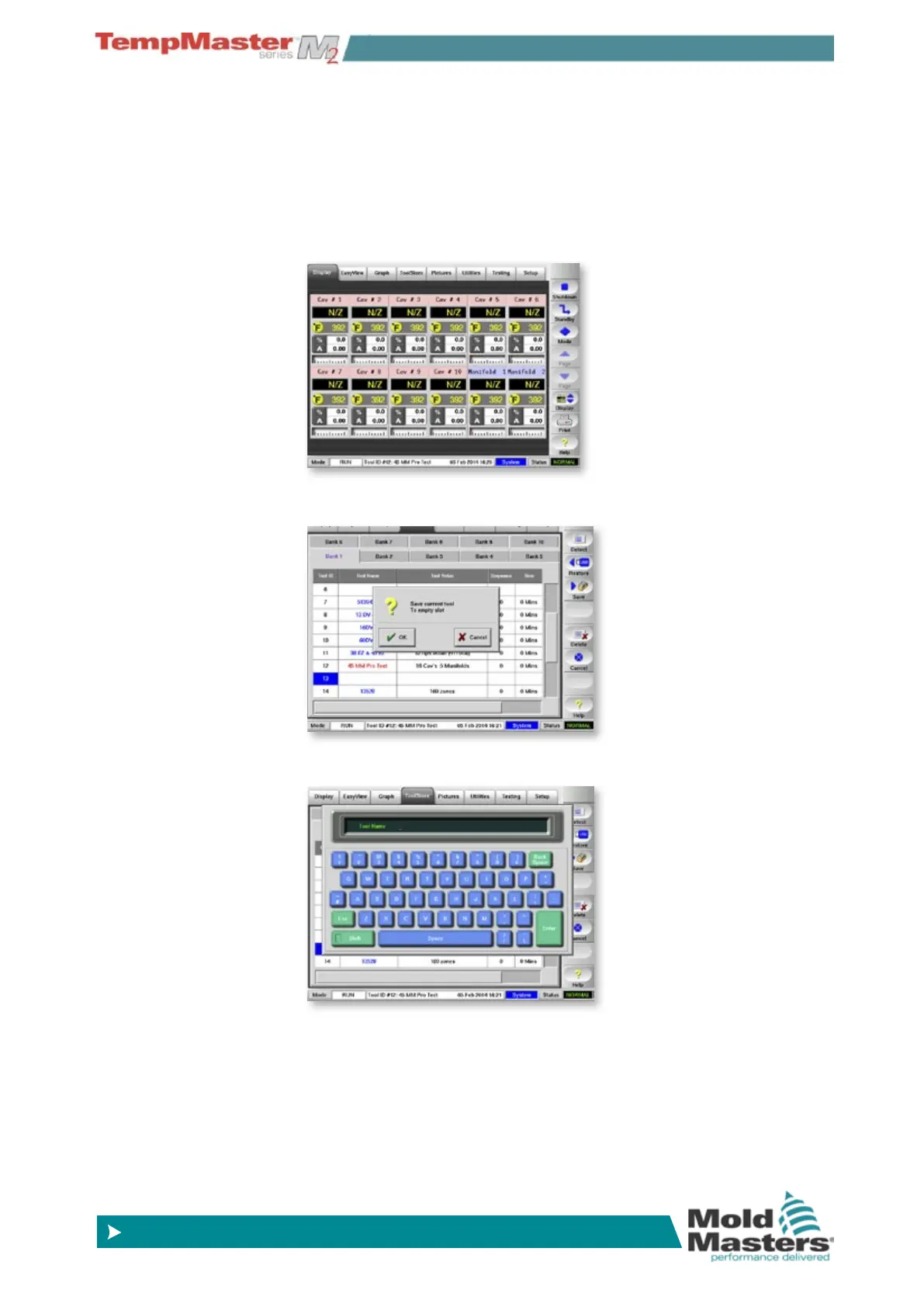
6.18 Create a new tool
If you need to have different tools to use for different applications then
you will need to create a new tool to hold alternative settings.
1. By way of an example, a tool with four QMOD cards is currently
set here as a 10-Zone tool with two manifolds.
It needs an alternative tool setting for twelve zones with manifolds,
bridge and a sprue.
2. The rst step is to save the current settings to a blank tool slot.
3. And then name the new tool.



 To Next Page