OPERATION
© 2014 Mold-Masters (2007) Limited. All Rights Reserved.
Revised 1 Oct, 2014
6-25
Create a new tool - contd.
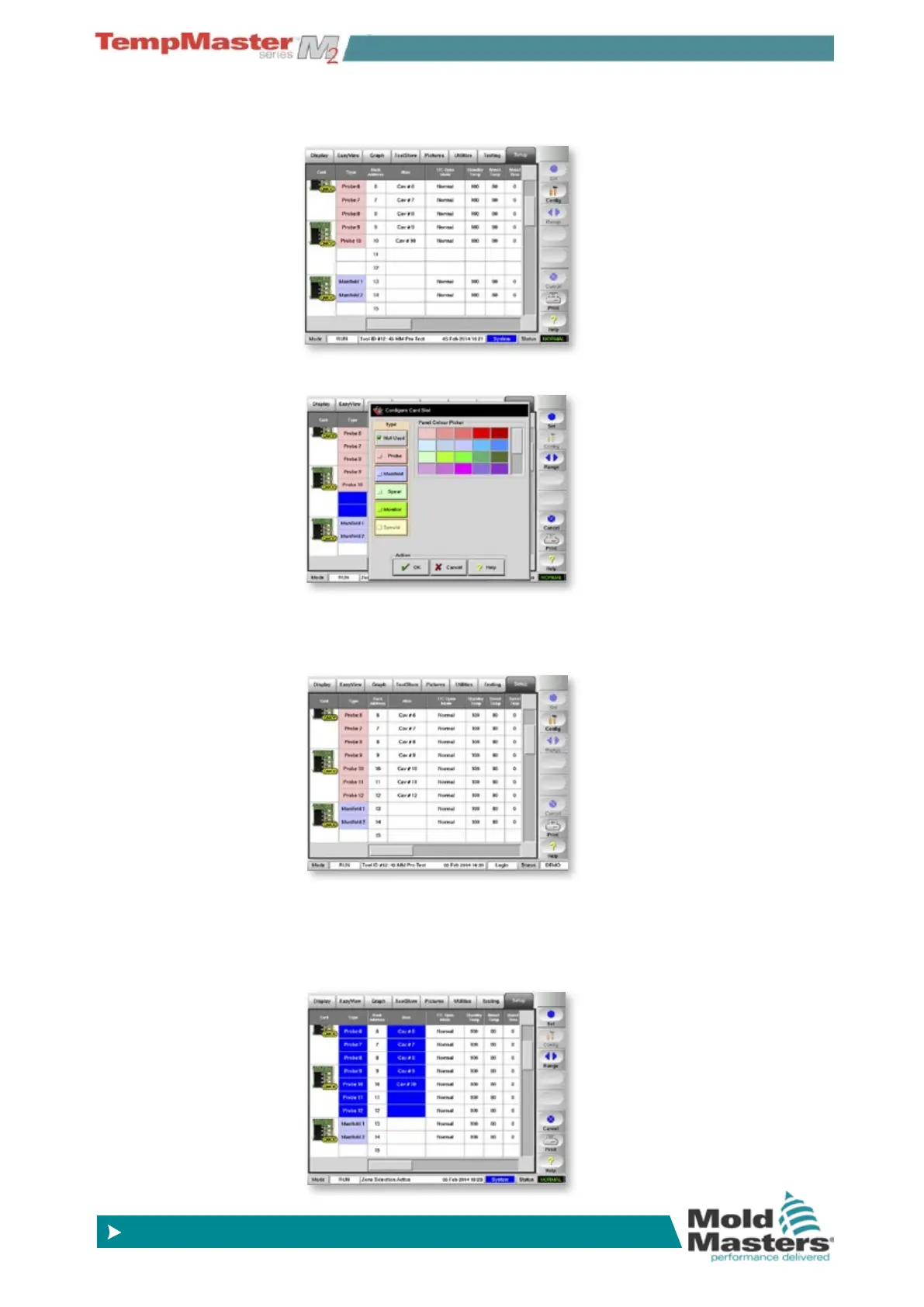
4. Next open the Setup page.
5. Select the spare unused zones and reallocate them.
6. You can allocate function (probe or manifold) and use the color-
picker to show a different zone type. Use [
Alias] to provide differ-
ent names to identify the new Bridge and Sprue zones.
7. While on the Setup page scroll along and check whether you need
to adjust any other settings. For instance this part of the table
shows the default for probe alarms does not match the existing
settings – you can set them to match while still on this screen.



 To Next Page