OPERATION
© 2014 Mold-Masters (2007) Limited. All Rights Reserved.
Revised 1 Oct, 2014
6-26
Create a new tool - contd.
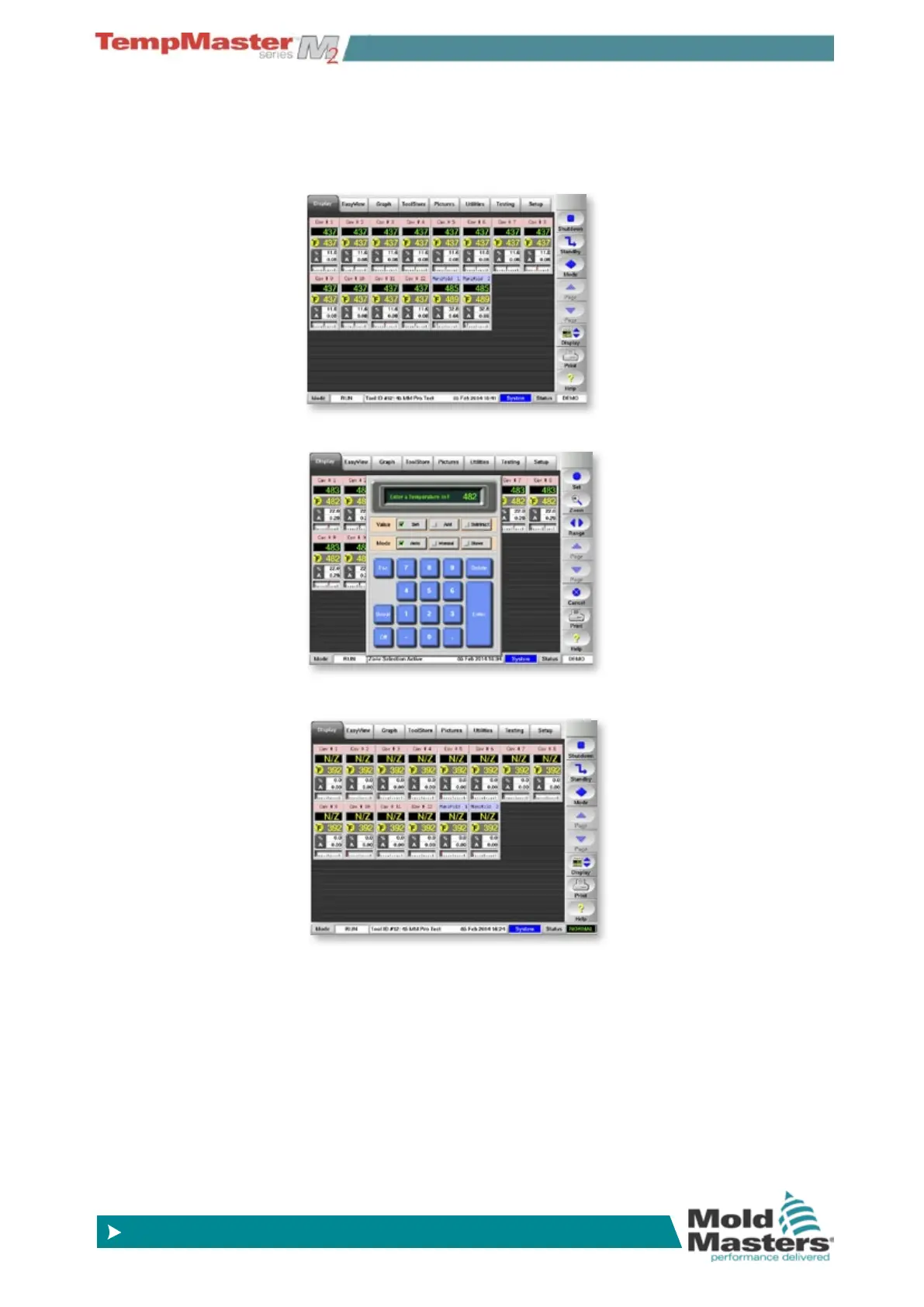
8. Return to the Display page to see the new tool layout. It shows the
new zones that need their set temperatures adjusted.
Select one or more of the new zones and touch set.
9. Use the key pad to set the zone temperature.
10. Finally see the new tool setting ready to use.



 To Next Page