MAINTENANCE
© 2014 Mold-Masters (2007) Limited. All Rights Reserved.
Revised 1 Oct, 2014
7-9
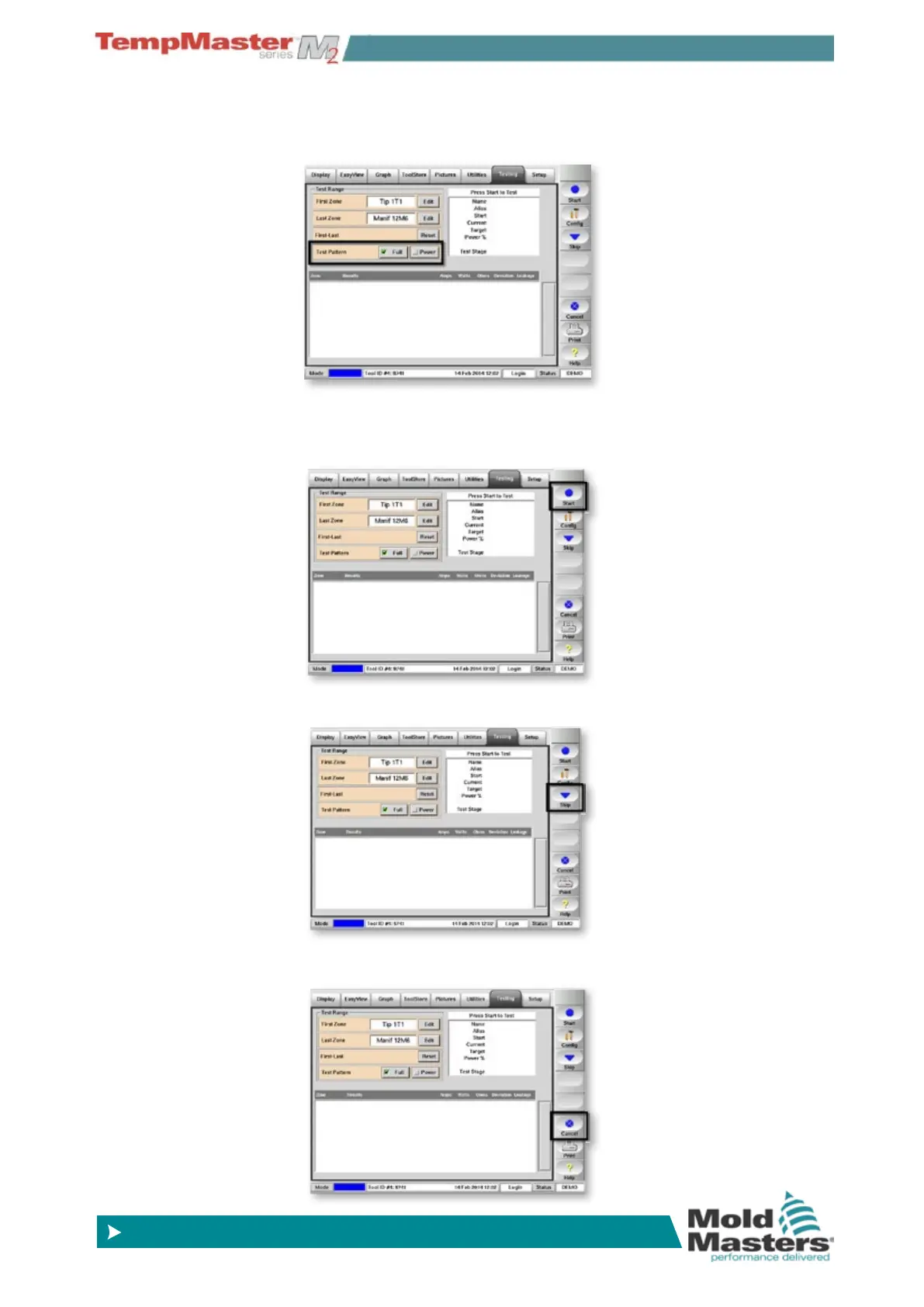
2. For a full Self-diagnosis check that the Test Pattern is set to [Full]
alternatively for a reduced Power Test choose [
Power].
3. Choose [
Start]
Test progress for any one zone is shown in the upper right panel.
Test history fall all zones is shown in the lower panel.
4. To pass by or skip any zones choose [
Skip].
5. To stop the test and omit remaining zones, choose [
Cancel].
How to Run a Self Diagnosis test - contd.



 To Next Page