OPERATION
© 2014 Mold-Masters (2007) Limited. All Rights Reserved.
Revised 1 Oct, 2014
6-41
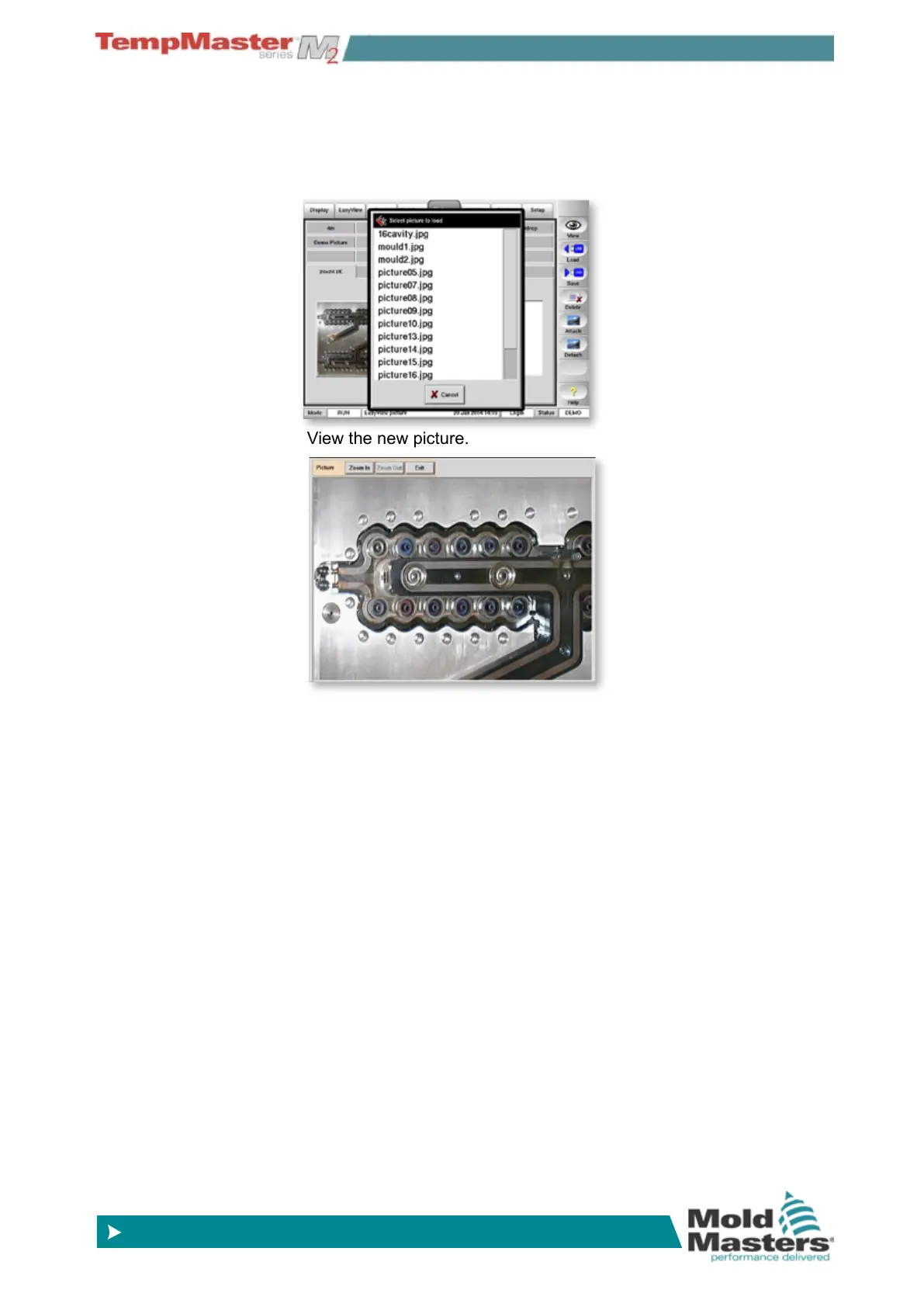
5. Select one image from the list presented. The console will load the
new picture and the associated text provided it sees a text le of
the same name. If no text le is detected with the same name then
it uses the name of the picture le as a title for the picture tab and
in its description.
6. View the new picture.
7. To load more pictures go back to step 4 – touch another blank tab
and [
Load] then select any more pictures.



 To Next Page