OVERVIEW
© 2014 Mold-Masters (2007) Limited. All Rights Reserved.
Revised 1 Oct, 2014
4-19
4.14 The User Interface
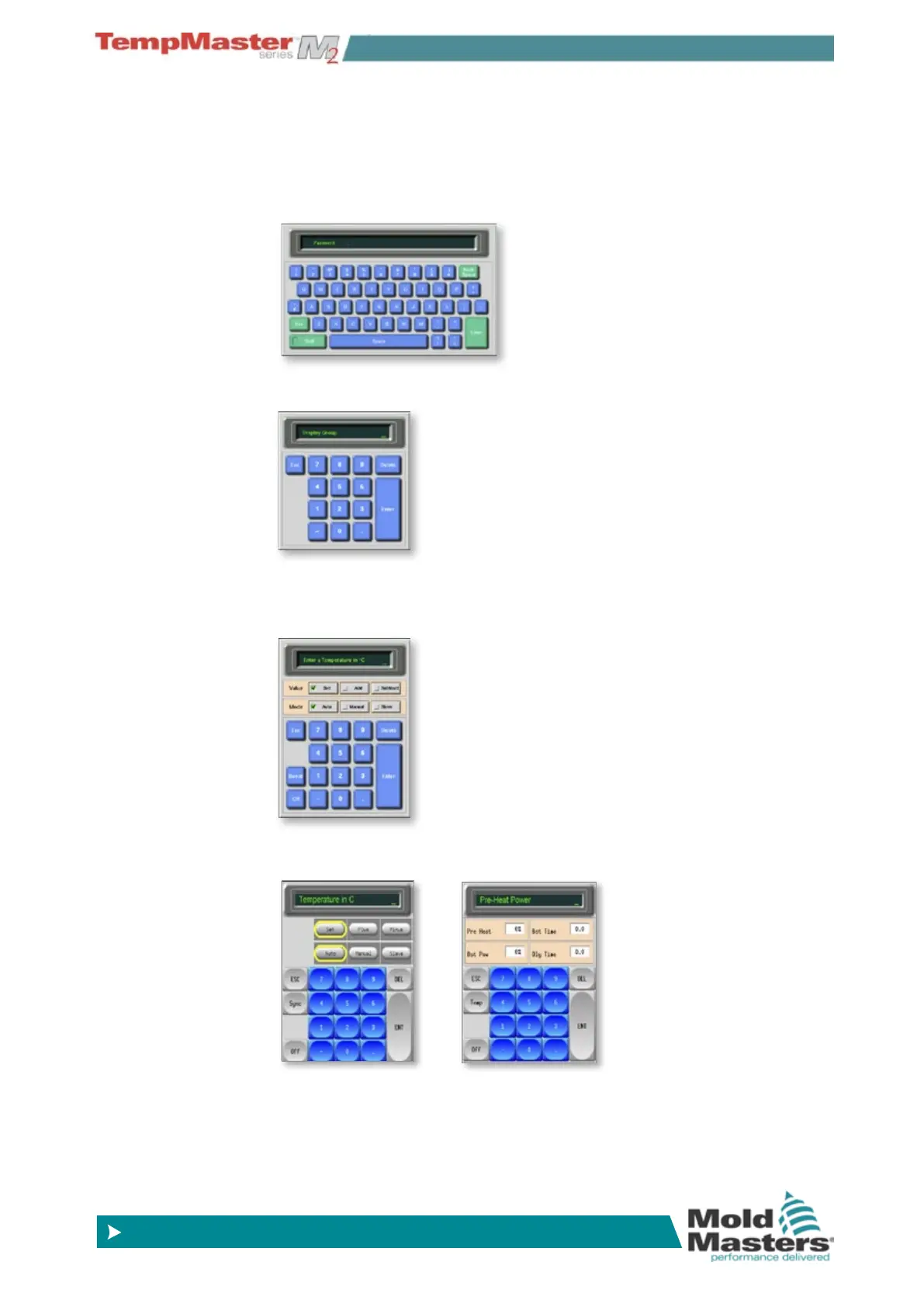
Where the conguration of parameters requires a user interface then
either a keyboard or a keypad is displayed.
Keyboard – this is offered wherever alpha-numeric input is required
such as entering a Password or a Tool Name.
Keypad 1 - Basic numeric.
Keypad 2 - Is an extended keypad which adds:
Value keys – Set, Temp, Add and Subtract to set Temperatures, plus
Mode keys – Auto, Manual and Slave to set working Mode.
Keypads – 3 & 4 - Offers more buttons to select and congure syn-
chro, or spear tips.
Screen Saver
There is an automatic function that dims the screen light by 50% after
5 minutes of user inactivity. Touching the screen anywhere will restore
it to normal level.



 To Next Page