SETUP
© 2014 Mold-Masters (2007) Limited. All Rights Reserved.
Revised 1 Oct, 2014
5-7
IO Zone - suits QCIO (four in/out channels) Input/Output cards.
Water - suits AI8 (8 channel analogue) or 16DLI (16 channel)
water ow measurement cards.
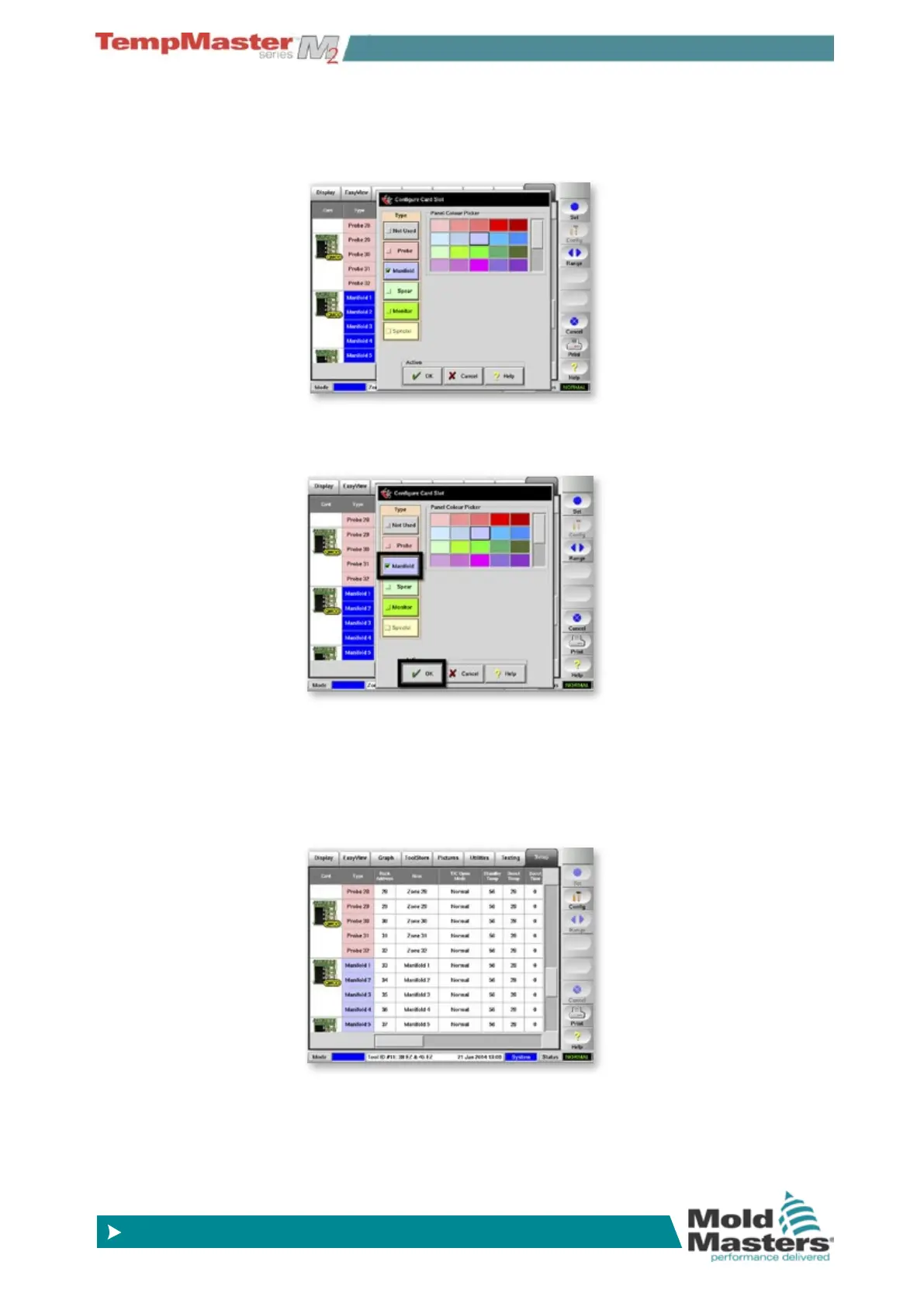
6. Choose any Header colour if the default selection is not required.
7. Choose [
OK].
8. Repeat steps 1 to 7 for other types of zones.
9. The Setup page is now complete with Cards and Zone types and,
as part of this setting up, populated with standard default values.
These Tool Parameters may be accepted or changed. Setting, or
changing, the parameters are described in the following pages.
How to Congure the Control Cards - contd.



 To Next Page