175
Rev. 2.0
07/27/2023
MBDV Hardware Manual
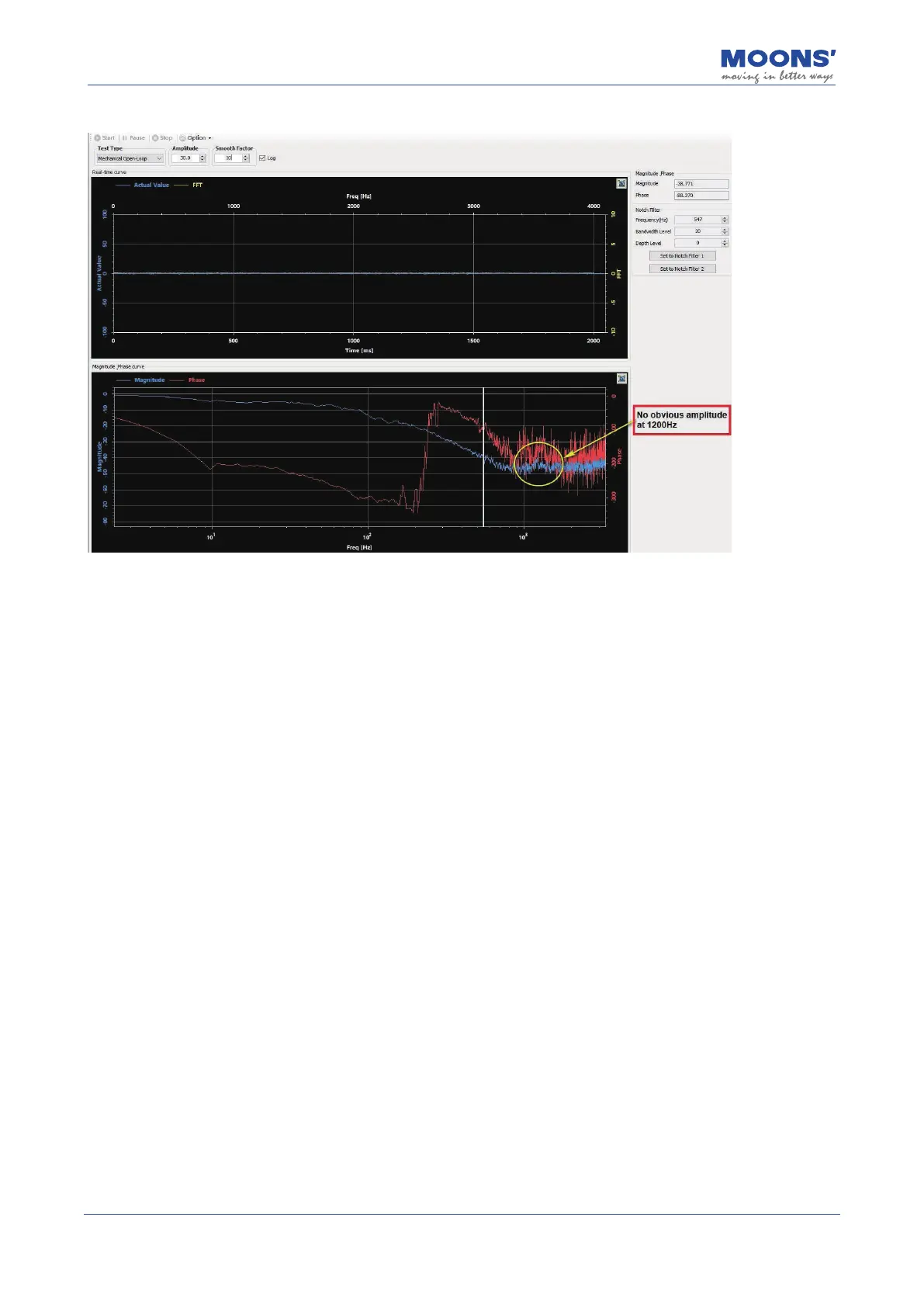
The image below is the result viewed using the Velocity Closed Loop analysis.
10.5.3.2 Using the Velocity Closed Loop Mode to analyze resonance frequency
Step 1
Before performing a velocity closed-loop analysis, make sure that
• The drive has passed the trial operation described in Section 6 Trial Operation.Servo
system has completed parameter tuning
• The control mode of the drive is: command speed mode
• Drive is enabled
• For vertical axis loads, it is best to use a motor with a brake to avoid accidental load drop
Step 2
• Select an appropriate amplitude to allow the system to vibrate. Note that an excessively
large amplitude may cause mechanical movement.
• Open " SCL Terminal " in the " Tools " menu
• Enter CM10 in the input box of the SCL terminal, and set the control mode of the drive to:
command speed mode
• Enable the driver













 To Next Page