User’s Guide Kona cutting plotter
Operation panel
100 AP-75380 - Revision 1.2
Swap alert
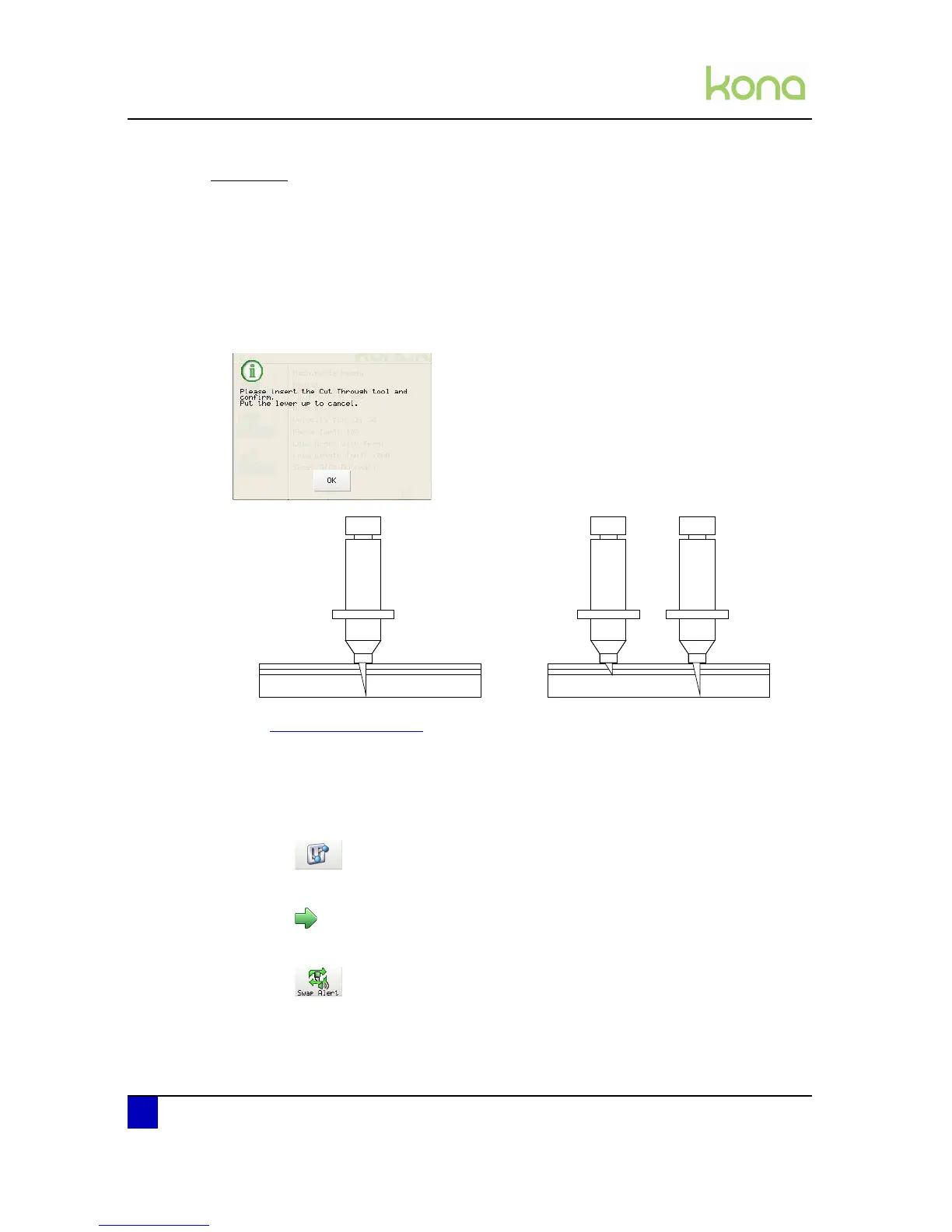
Mutoh’s supporting cut through technique encodes two cut through methods:
Single tool - cut through tool (1)
Executes both contour and cut through vector paths with one single knife holder with cut
through knife depth.
Multi-tool - standard (1) & cut through tool (2)
This multi tool method will complete both contour and cut through data with two separated
knife holders. A message on panel will inform the user to swap tools based on the vectors
path identity.
Refer to Cut through on page102
for the other cut through settings.
Refer to the Application Guide of the Kona to know how to initiate a cut through routine
flawless.
Step 1: Press the following buttons in order:
Settings
2x next page
Swap alert












 To Next Page