User’s Guide Kona cutting plotter
Operation panel
104 AP-75380 - Revision 1.2
4.2.5 Settings 4/4
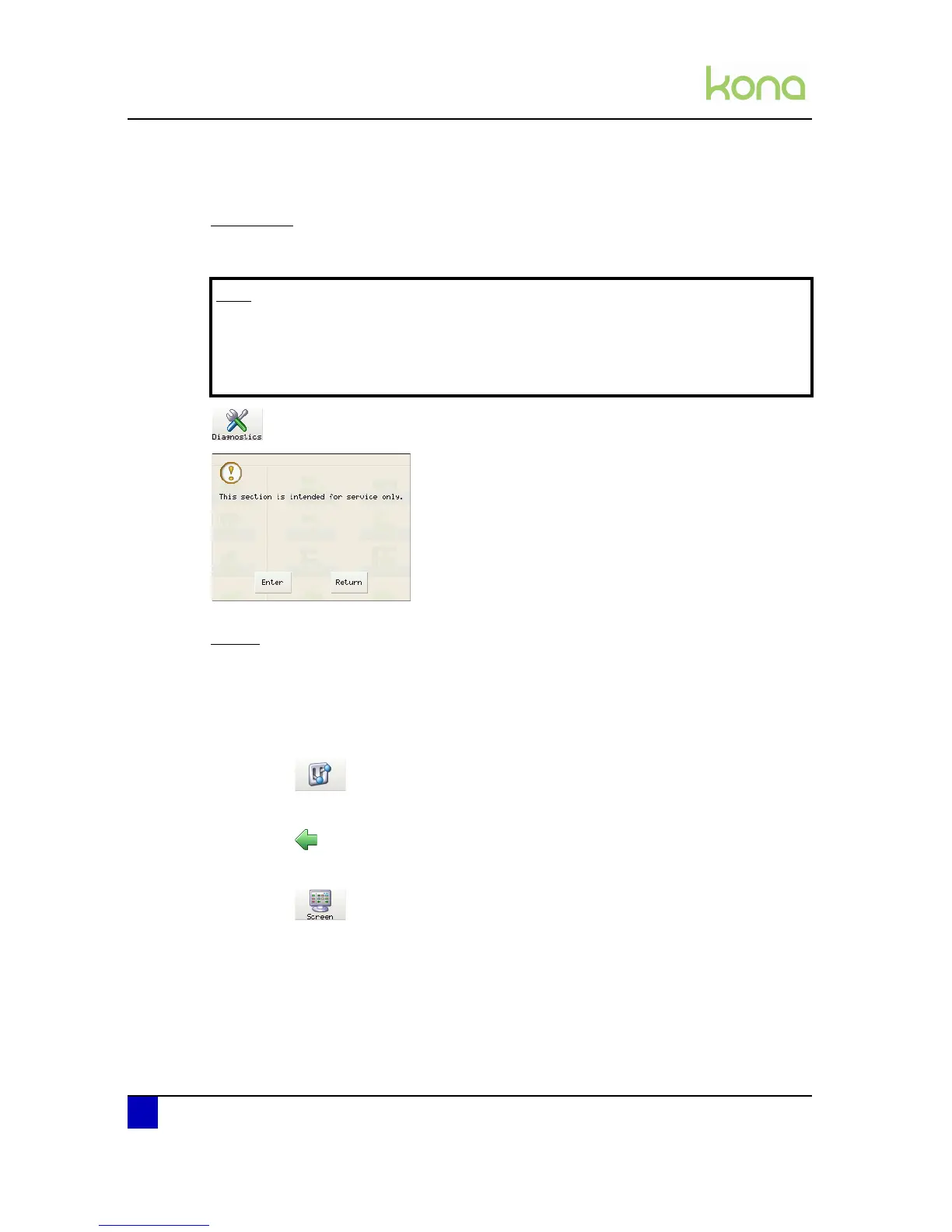
Diagnostics
This section is intended for service technicians only!
Screen
All settings regarding the touch screen can be set here. As well the brightness, contrast,
sound and the animation timing can be changed.
Step 1: Press the following buttons in order:
Settings
1 x previous page
m
Screen
Note
In case of entering the diagnostics mode and changing settings, the cutter may
become disordered if you are not sure what you are doing.
It is advised to make a backup of all parameters. Refer to the CutServer User’s
Guide for more information on this topic.












 To Next Page