User’s Guide Kona cutting plotter
Basics
48 AP-75380 - Revision 1.2
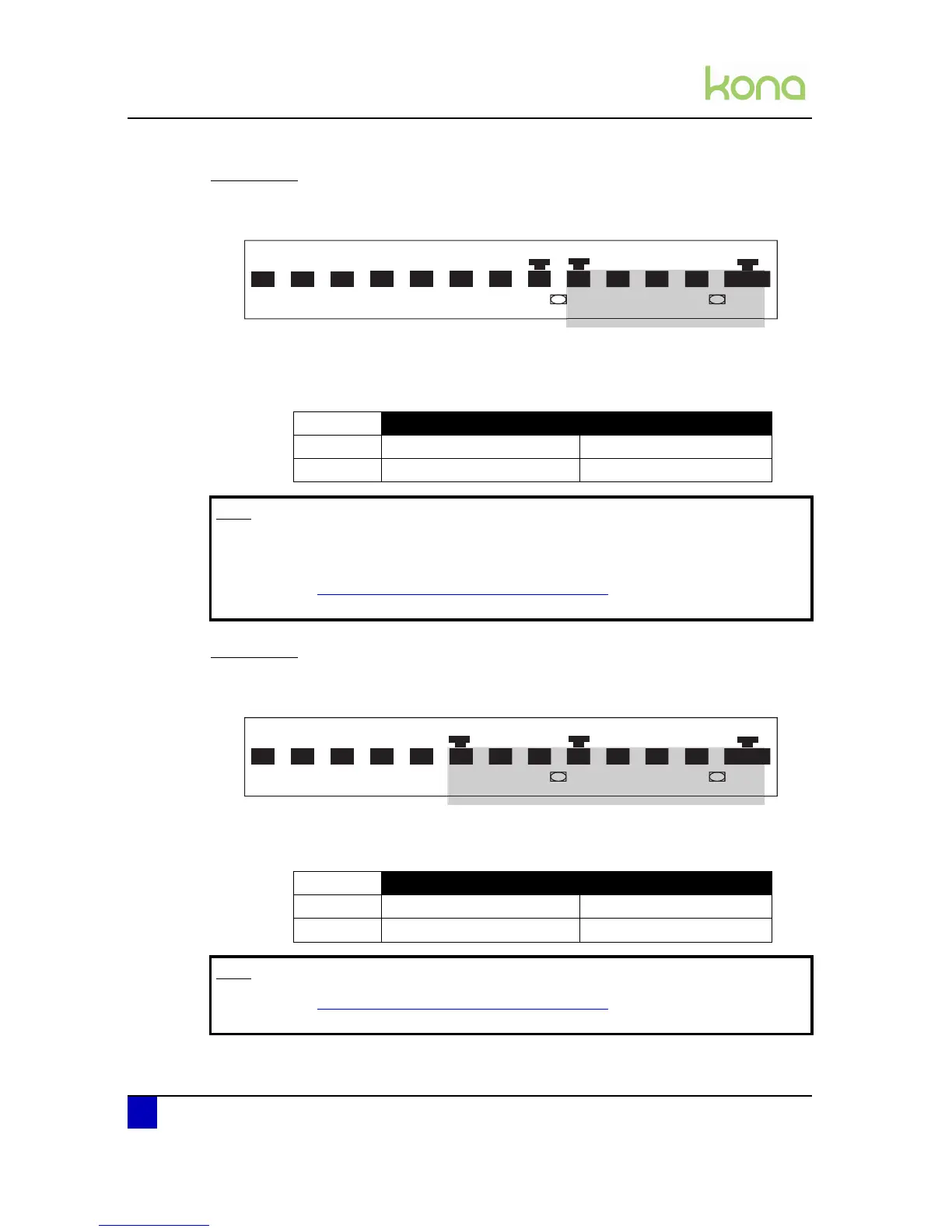
Possibility 1
Loading small sized media
When the media does not reach the second sensor, the second pressure roller will determine
the width of the media.
Position the pressure rollers as follows:
Possibility 2
Loading medium sized media
Both sensor 1 and sensor 2 are covered. The media width is determined by pressure roller 3.
Position the pressure rollers as follows:
Position pressure roller 2 Position pressure roller 3
Kona 1400 2 - 4 5 - 7
Kona 1650 2 - 5 6 - 8
Note
The third pressure roller must be positioned in the middle of the shaft and has
no influence on the media width.
Refer to Pressure roller positioning warning on page158
in case a warning message
appears.
Position pressure roller 2 Position pressure roller 3
Kona 1400 2 - 4 5 - 7
Kona 1650 2 - 5 6 - 8












 To Next Page