User’s Guide Kona cutting plotter
Basics
38 AP-75380 - Revision 1.2
3.3.2 Replace cutter blade
To replace a blade, please follow the procedure below:
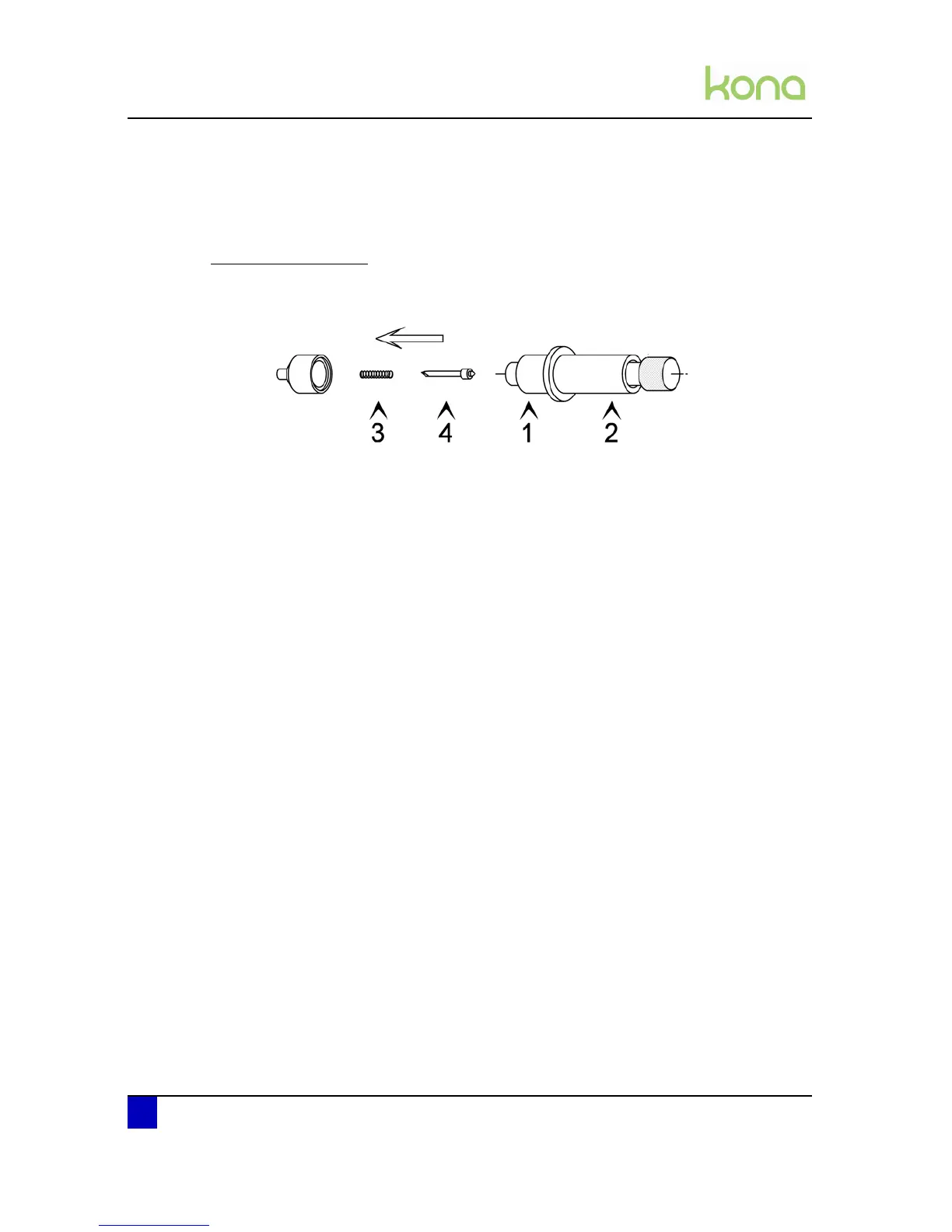
Standard knife holder
Step 1: Hold the body (2) into one hand and unscrew the base part (1)
Step 2: Remove the spring (3) and the cutting blade (4).
Step 3: Slide the spring over the new cutting blade
Step 4: Place the new blade with its spring into the base part and screw the whole assembly
onto the body.












 To Next Page