User’s Guide Kona cutting plotter
Through cutting
142 AP-75380 - Revision 1.2
7.2.3 Through cut settings
It is however not easy to match an ideal tool configuration setup in which the media weakness
suffers not radically from the multiple cut through samples accomplished. Therefore a perfect
harmony between your tool down force and tool up distance needs to be synchronised.
Via this menu, you can set the desired cut through parameters.
After setting these values, it is also possible to test if they match your needs
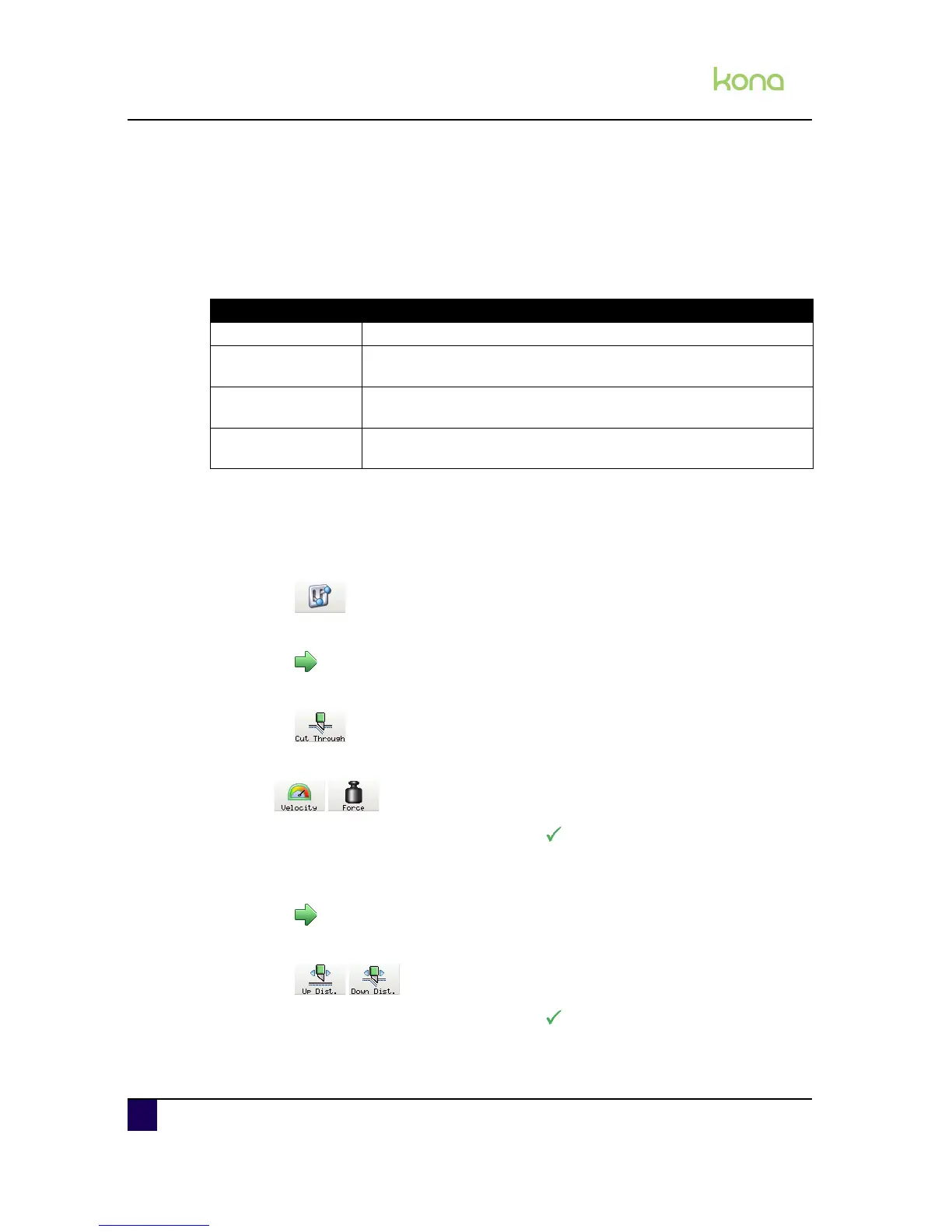
Follow the procedure below to the velocity and force:
Step 1: Press the following buttons in order:
Settings
2 x next page
Cut through
Step 2: Set the values for the velocity and force.
Step 3: Enter the desired values and confirm with
Step 4: Set the values for the tool up and tool down distance.
Go to the next sub page
Select Up Dist. and/or Down. Dist.
Step 5: Enter the desired values and confirm with
Parameter Description
Velocity The speed of which the cut through routine is cut. Default: 10 cm/s
Force
The force on the tool during the cut through routine. Default: 250
gram
Tool Down Distance
(1)
The distance of cutting through the vinyl. Default: 10 cm
Tool Up Distance (2)
The quantity of vinyl left uncut to hold the sticker fixed to the media.
Default: 0,1 cm












 To Next Page