User’s Guide Kona cutting plotter
Operation panel
AP-75380 - Revision 1.2 89
4
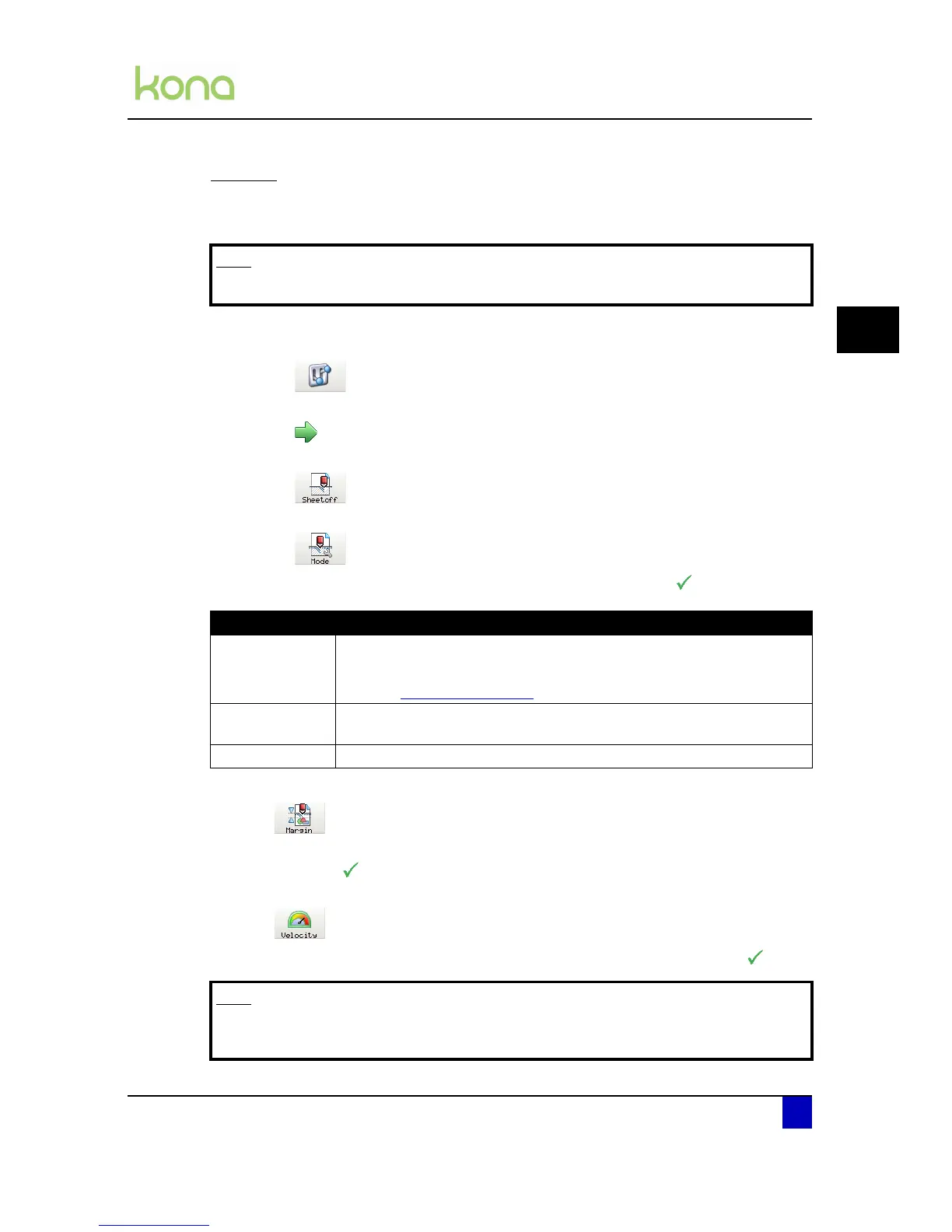
Sheet off
The auto-sheet-off mechanism can be very easily used to cut the front edge of a new roll of
vinyl straight as well as to cut off a sheet of vinyl from a roll.
Step 1: Press the following buttons in order:
Settings
Next page
Sheet-off
Mode
Step 2: Choose between one of the following modes and confirm with
.
Step 3: Click Margin.
Step 4: Set the feed distance the media is fed before sheeting-off and confirm the new
value with .
Step 5: Click Velocity.
Step 6: Set the velocity of the sheet off operation and confirm the new value with .
Note
Performing a sheet off action will reset the origin.
Sheet off mode Description
Automatic
A sheet-off is done automatically when selecting sheet-off in the actions
menu.
Refer to Sheet off on page121
Manual
The media is fed away from the media platform to manually sheet-off the
media using a snap-off blade.
Disabled There is no sheet-off possible
Note
Be aware that larger media will begin to hang if the velocity is too low. This could lead
to torn media.












 To Next Page