User’s Guide Kona cutting plotter
Operation panel
84 AP-75380 - Revision 1.2
Tool
Depending on the installed tool, an offset needs to be taken into account.
When a pen is loaded, no offset is necessary as the pen point is in the centre of the pen head.
When loading a drag knife, the pen tip is not in the centre of the pen head and an offset is
necessary.
Refer to Offset on page79
for all information about the offset principle.
Refer to Replace cutter blade on page38
for more information on how to replace the blade.
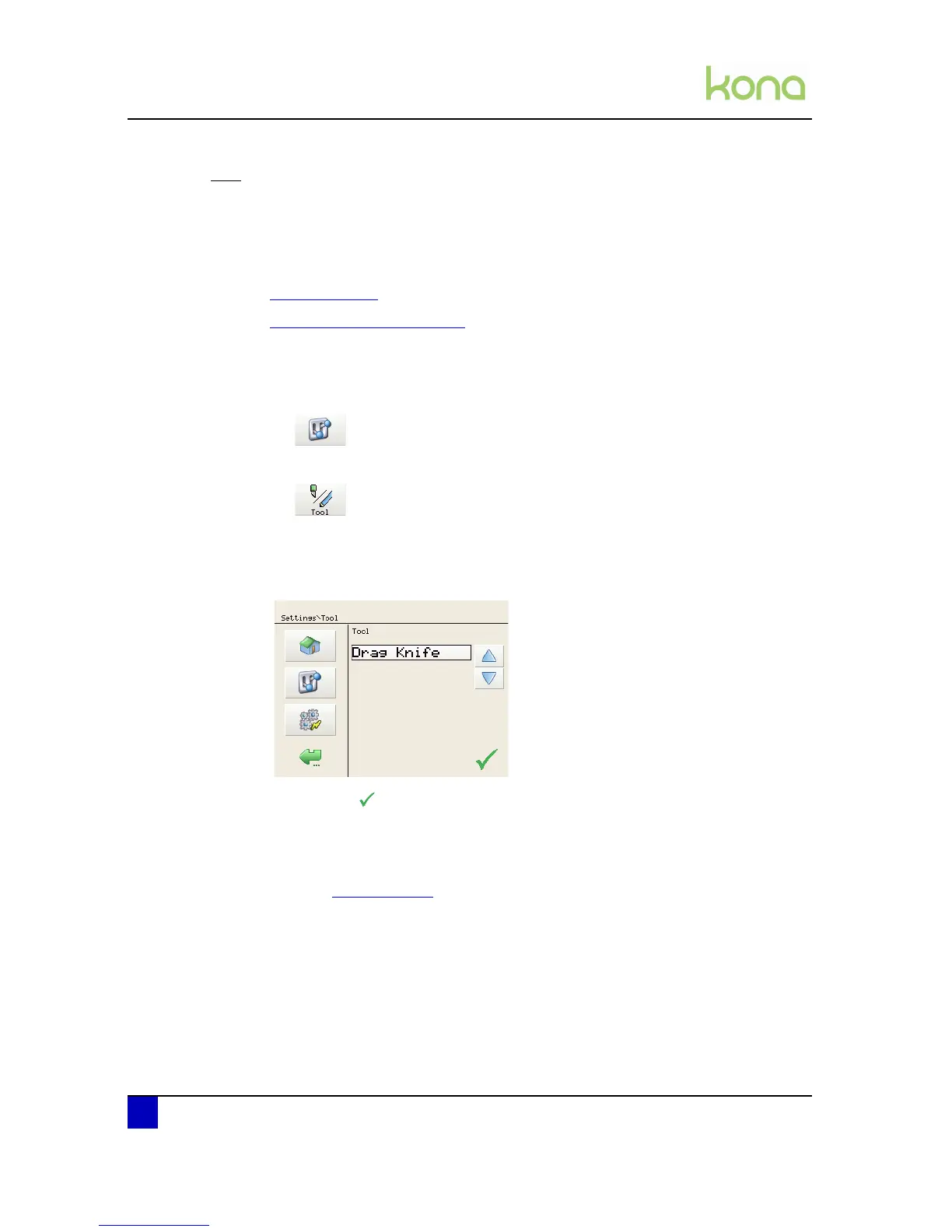
Set the tool as follows:
Step 1: Press the following buttons in order:
Settings
Tool
Step 2: Select which tool is installed
Drag knife
Pen
Step 3: Confirm with
Step 4: Perform the EPOS alignment check to be sure the distance between EPOS sensor
and knife/pen point is set correctly. Otherwise, it might occur that the data is cut with
an offset.
Refer to Epos on page93












 To Next Page