User’s Guide Kona cutting plotter
Through cutting
144 AP-75380 - Revision 1.2
7.3 Through cutting workflow
7.3.1 Basically, 4 cut through parameters are required:
Cut through speed > VS command
Cut through force > ZF command
Tool down & tool up distance > UL & LT command
7.3.2 Cut the vectors in following
order:
1st Standard cut lines
2nd Print and cut lines
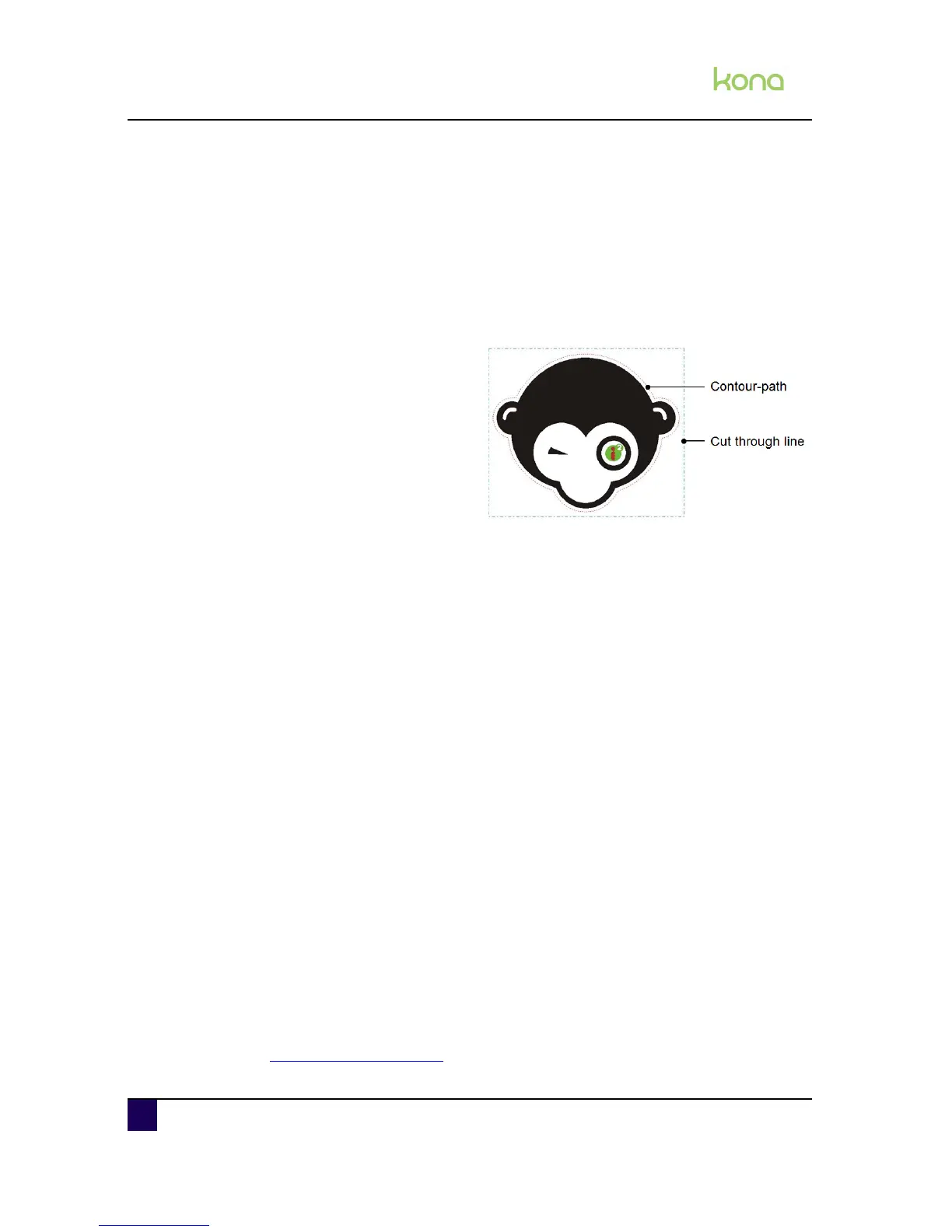
3rd Cut through lines
7.3.3 Cut through specifications:
reduce your speed to 10 cm/s
increase your force to 250 g
use all pressure rollers
On a Kona 760 ==> 2 pressure rollers
On a Kona 1400 and Kona 1650 ==> 3 pressure rollers
lower your cut through media width dimension
choose your in between margins for cut through stickers sufficient enough
minimal vinyl movement
plot order important (first > contour data, second > cut through data)
VS/ZF/AS menu = accept (new header per line type)
easy cut through shapes (rectangles, circles, squares)
NO multi-frame alignment systems advised (multi-segment)
NO repeat mode recommend
For cut through reasons, it is better to have this dashing technique (intermittent plotting via
the LT, UL commands) configured at the end of your vector data group. The sorting routine of
your software should therefore automatically configure these vector paths at the end of your
file output.
Cut Through compatible alignments are:
Manual Alignment
Automatic Alignment
Automatic Alignment with bar code
Automatic multi - frame alignment with bar code (# segments)
Cut Through incompatible alignments are:
Multi - frame splitting done by Mutoh Kona
Refer to Tools necessary on page140
to know which softwares are compatible.












 To Next Page