User’s Guide Kona cutting plotter
Operation panel
AP-75380 - Revision 1.2 121
4
Sheet off
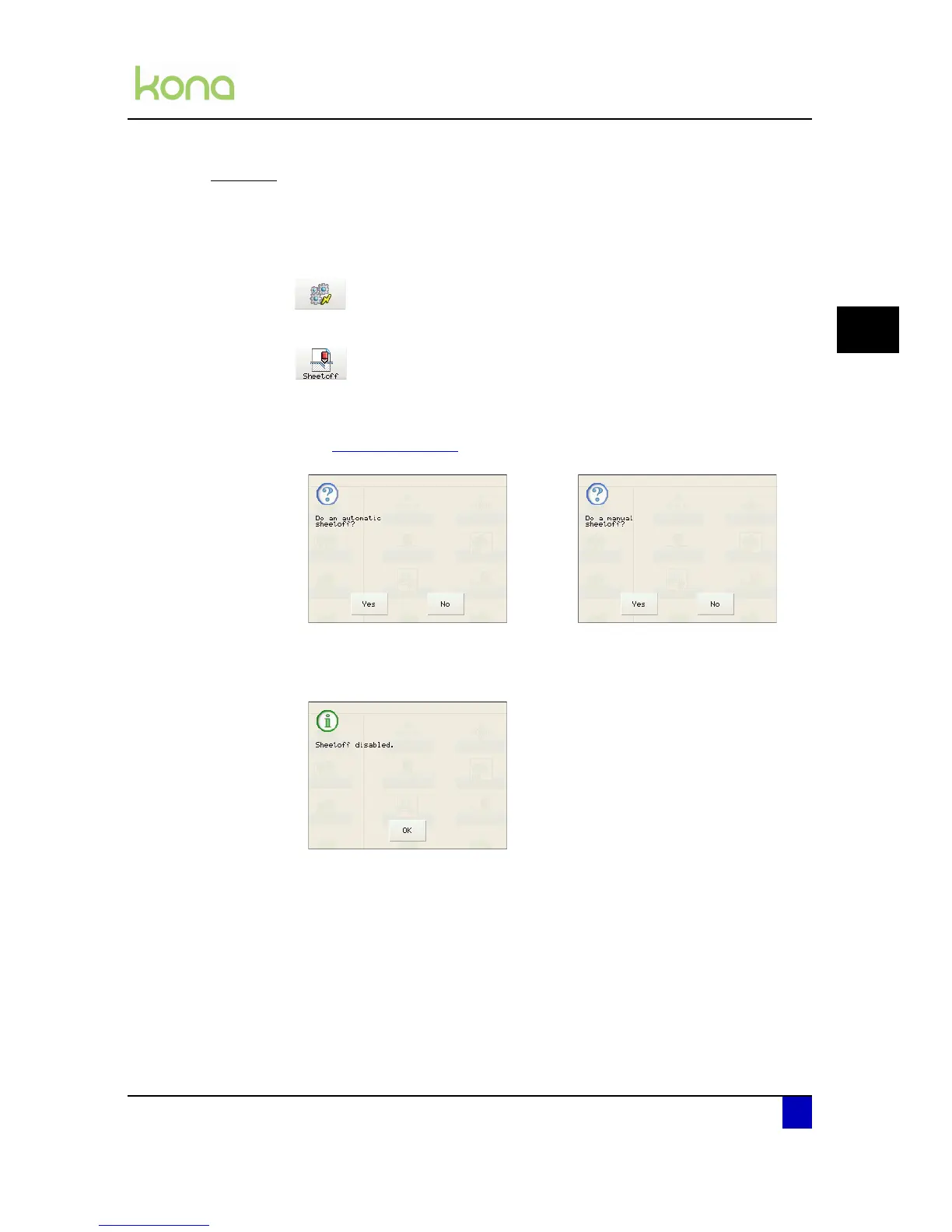
Via this menu you can sheet-off the media. Perform a sheet-off as follows:
Step 1: Press the following buttons in order:
Actions
Sheet off
Step 2: Depending on the settings made in the sheet-off parameter menu, one of the
following screens will be displayed.
Refer to Sheet off on page89
Step 3: Press Yes to proceed the sheet-off routine.
The cutter automatically performs a
sheet off operation.
The cutter feeds the media forward
so you can cut it off with a knife.
No sheet off operations are being
performed.












 To Next Page