User’s Guide Kona cutting plotter
Operation panel
AP-75380 - Revision 1.2 91
4
Origin
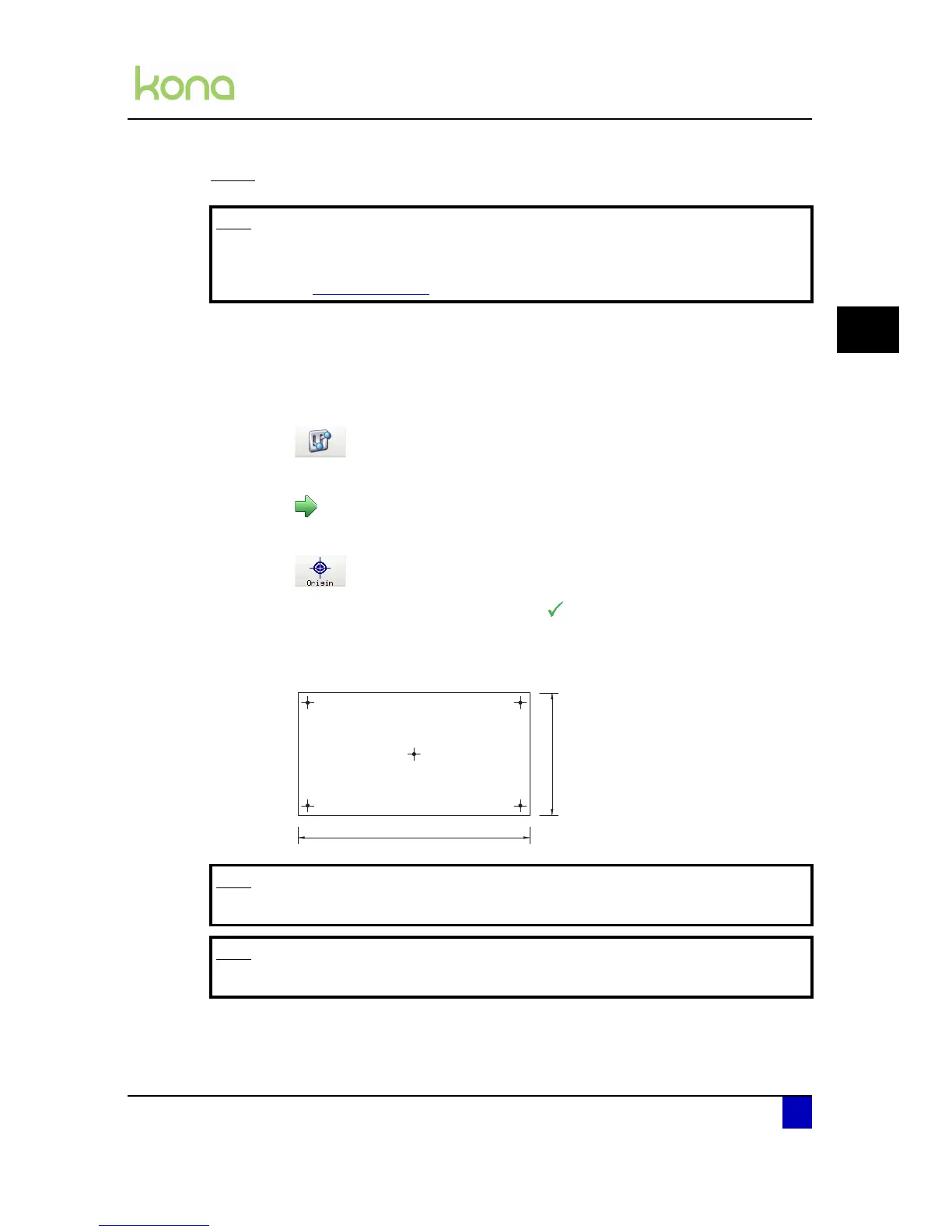
Set the cutting starting position (origin) as follows:
Step 1: Please make sure media is loaded. If not, the positioning calculation is based on
previously installed media.
Step 2: Press the following buttons in order:
Settings
Next page
Origin
Step 3: Select the origin position and confirm with .
Center
Lower right (default)
Note
Be aware that this is the standard Origin setting. There is also the possibility to
customize the origin. For more information concerning the customized origin
refer to Origin on page110
Note
The tip of the knife will stand directly above the selected origin.
Note
The point of view of the above picture is when standing in front of the cutter.












 To Next Page