User’s Guide Kona cutting plotter
Operation panel
AP-75380 - Revision 1.2 115
4
Contour cut
Refer to the Kona Application Guide for detailed information about contour cutting, and
how to set your cutter and software.
Refer to the chapter Contour cutting on page129
to know which alignment method to
choose and the bounding box specifications.
Automatic
When performing a single or multi-frame contour cut job, the job can be started via the Go
button on Mutoh’s CutServer. It is also possible to launch the job directly from the cutter itself,
only on the condition that the cutter is connected with Mutoh’s CutServer. In fact, this function
replaces the Go button.
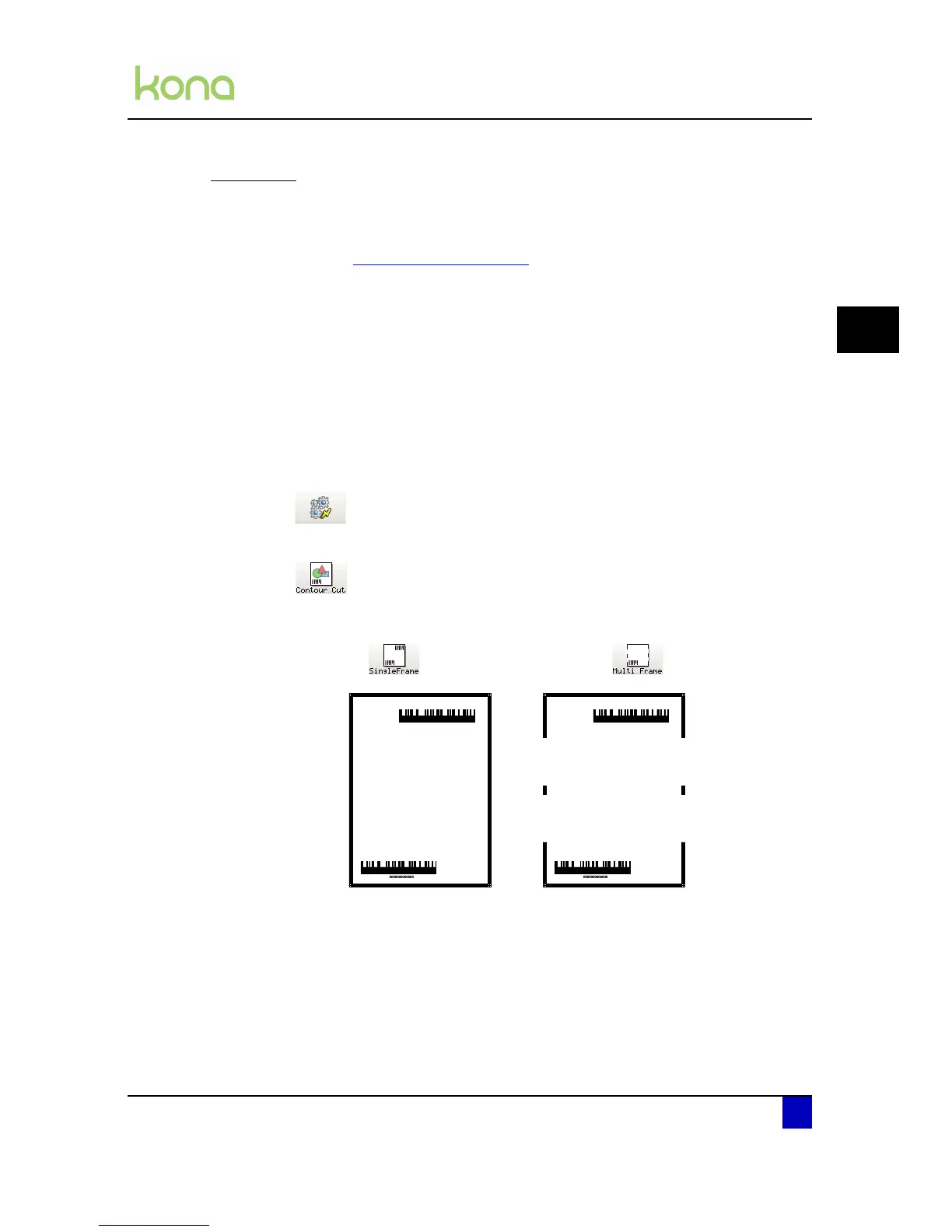
Start a single or multi-frame contour cutting job as follows:
Step 1: Press the following buttons in order:
Actions
Contour Cut
Step 2: Select whether the job loaded is a single or multi-frame contour cut.












 To Next Page