User’s Guide Kona cutting plotter
Operation panel
116 AP-75380 - Revision 1.2
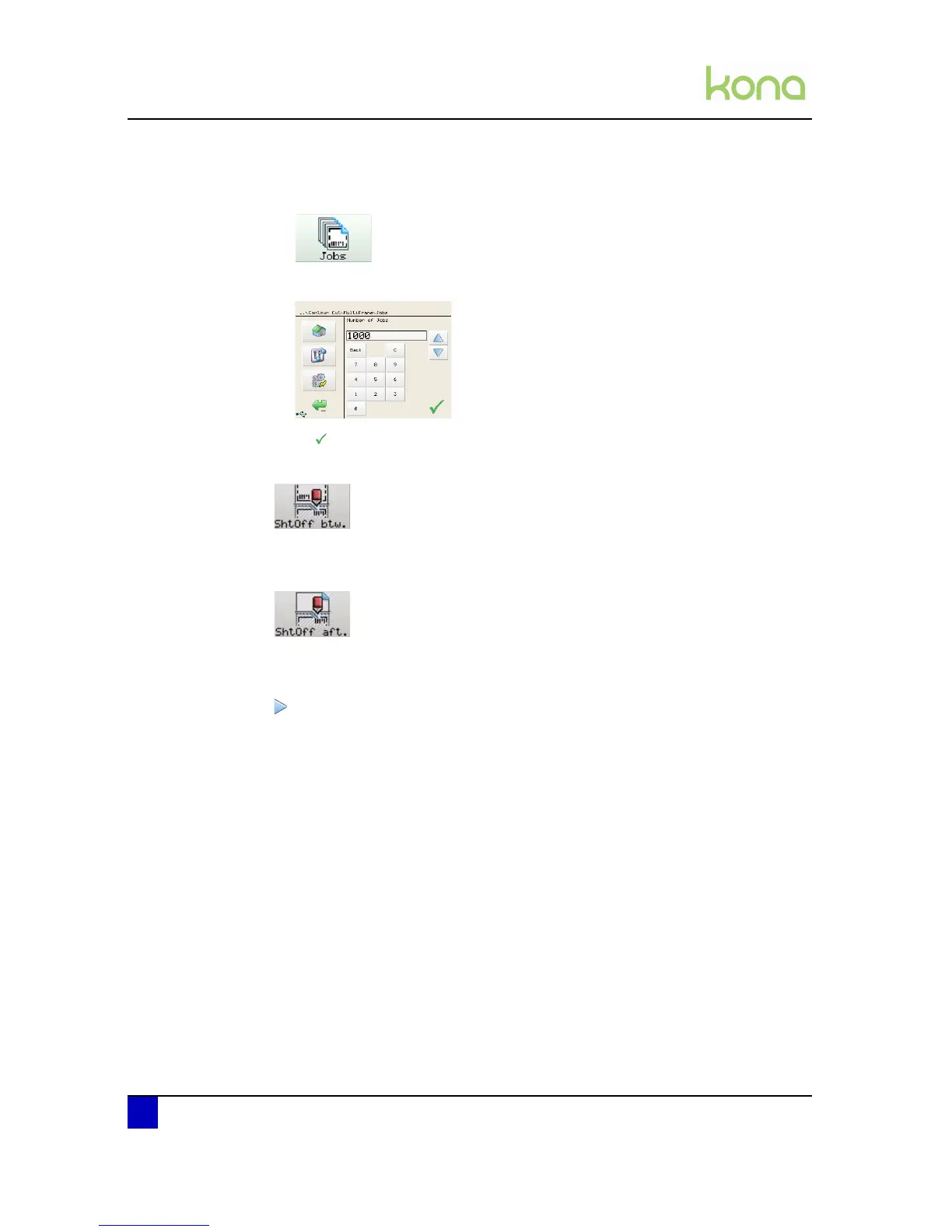
Step 3: Set the number of jobs to perform
Press Jobs
Fill in the number of jobs.
Step 4: Press
Step 5: Press the Sheet off between button.
Decide if you want to perform a sheet off action between two jobs or not.
Step 6: Press the Sheet off afterwards button.
Decide if you want to perform a sheet off action after the jobs or not.
Step 7: Press the start key.
Step 8: The cutter will start scanning the bounding box and reading out the barcode.
Step 9: As from the moment the barcode is recognized, the corresponding job will be
launched from the Mutoh CutServer.












 To Next Page