User’s Guide Kona cutting plotter
Operation panel
AP-75380 - Revision 1.2 117
4
Manual
When you want to start a contour cutting job without using the automatic alignment option, the
manual mode needs to be chosen. This could be useful when you have loaded very reflective
media which cannot be detected by the cutter.
Start a manual contour cutting job as follows:
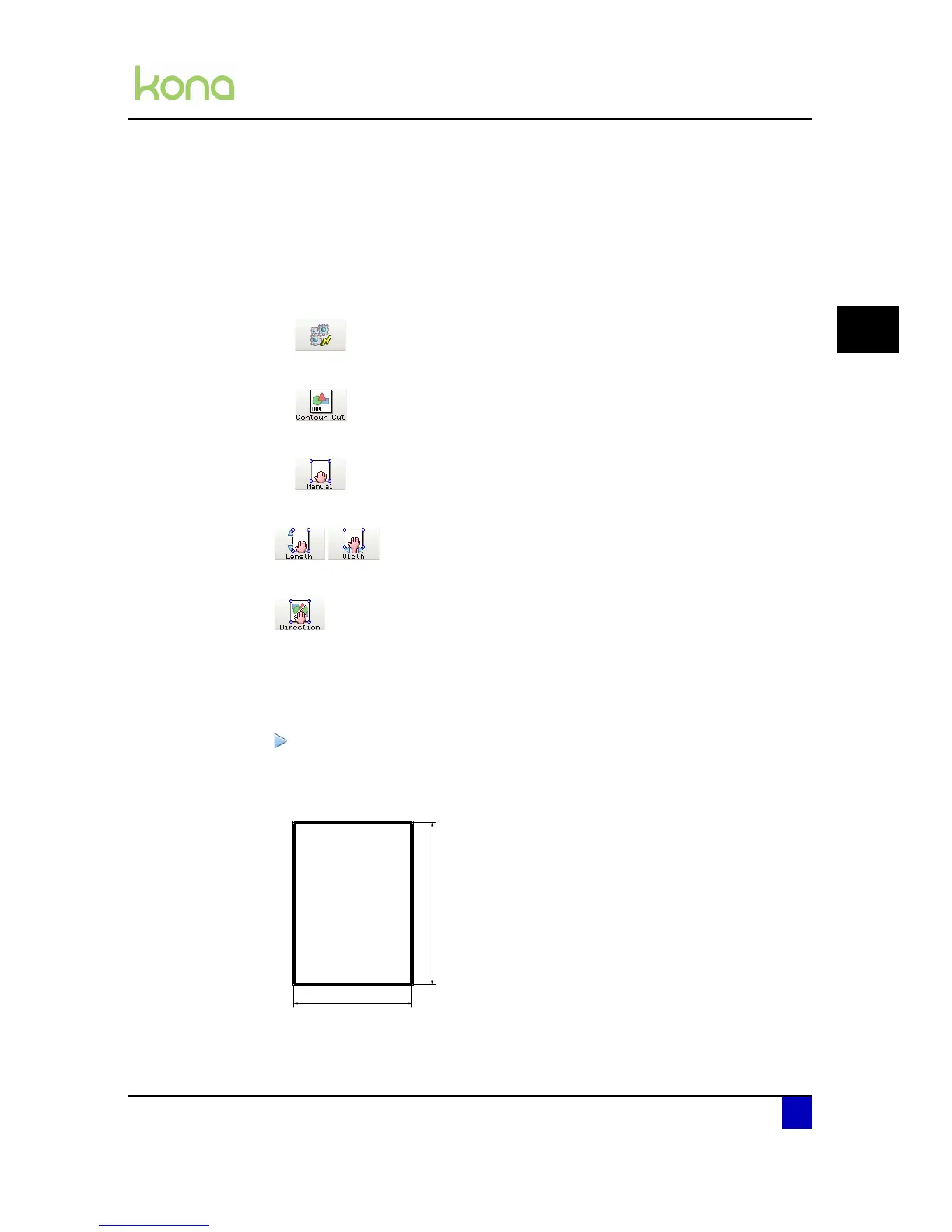
Step 1: Press the following buttons in order:
Actions
Contour Cut
Manual
Step 2: Set the length and width of the bounding box.
Step 3: Set the roll direction.
Non-reverse: When standing in front of the cutter, the data sent should not be
rotated.
Reverse: When standing in front of the cutter, the data sent should be rotated.
Step 4: Press the start key.
Step 5: Move the penhead using the jog keys until the knife point is positioned above P1
and press OK when done. Then select P2 - P3 - P4.
Step 6: The knife will pause near point P1
Step 7: Send the relative (NOT absolute) plot data to the cutter to start the job.



 To Next Page