User’s Guide Kona cutting plotter
Operation panel
118 AP-75380 - Revision 1.2
BC Read
BC Read allows you to read out the bar code (if present) of the file you would like to cut.
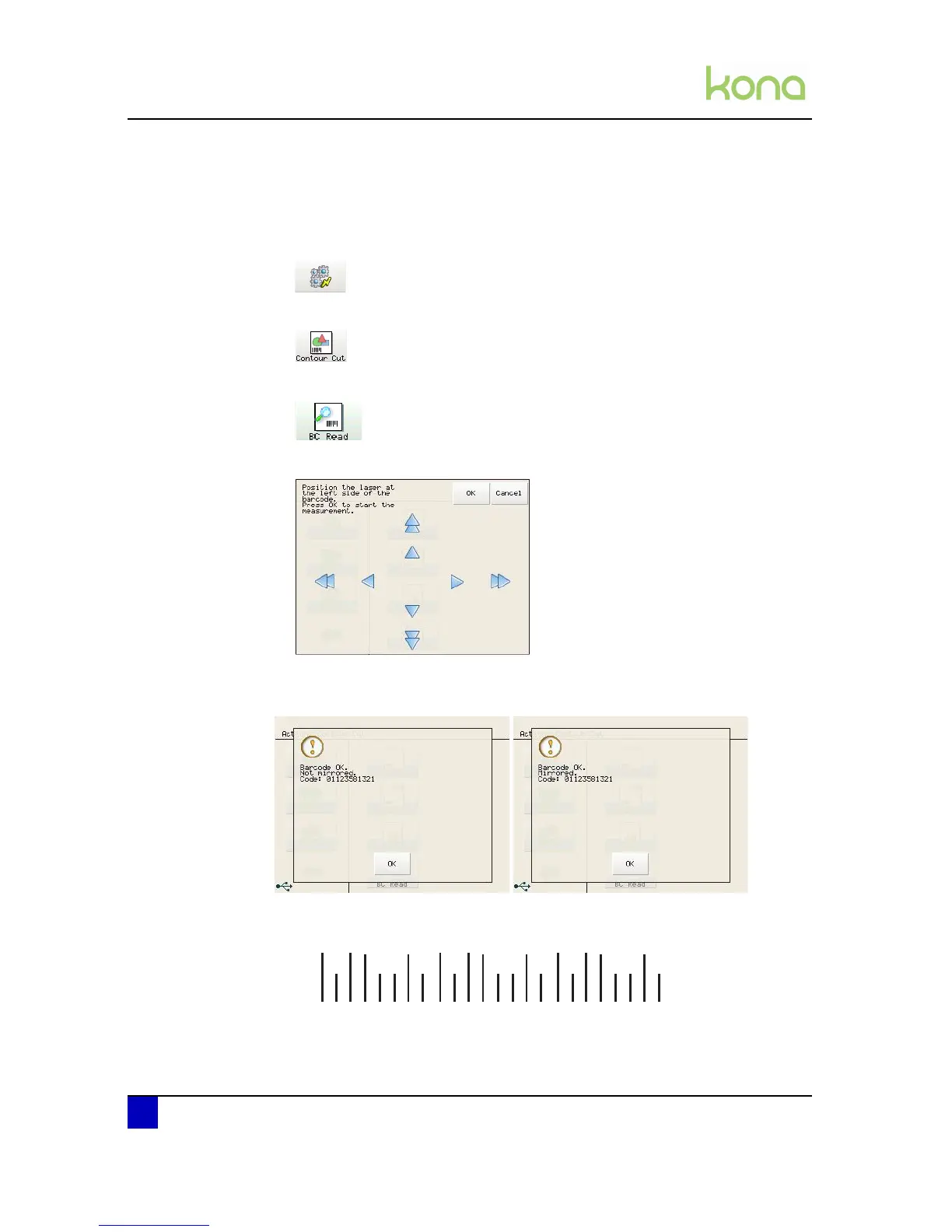
Step 1: Press the following buttons in order:
Actions
Contour Cut
BC read
The Kona shows following message
Position the laser at the left side of the bar code and press OK.
The Kona will scan the bar code and display one of these two messages.
Not mirrored means the cut job is inserted normally.
The bar code looks as follows:



 To Next Page