User’s Guide Kona cutting plotter
Maintenance
152 AP-75380 - Revision 1.2
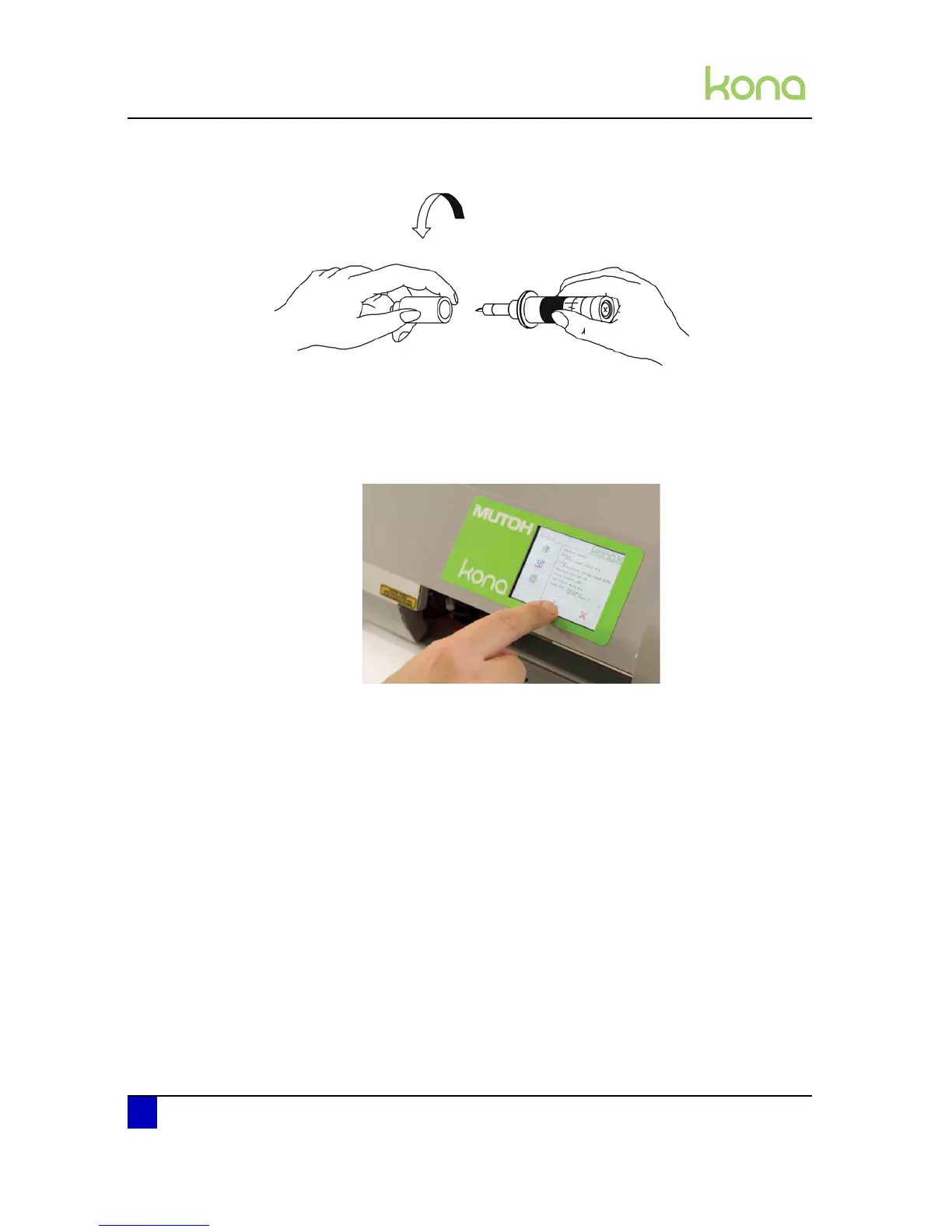
Step 4: Place the base part on top of the holder assembly and twist it tightly.
8.1.4 Cleaning the touch screen
After a while, fingerprints or dust will make the touch screen dirty. Clean the touch screen as
follows:
Step 1: Power off the cutter.
Step 2: Wet a soft, lint-free or microfiber cloth with distilled water. Wring out as much water
as you can. Make sure the cloth is damp but not wet. Wipe the screen in a gentle
motion to remove dust or fingerprint smudges off.
Step 3: Another option is to use a screen cleaner kit that includes antistatic wipes. You can
buy this at various electronic or online stores. Spray a little solution on a wipe then
rub it gently across the screen.
Step 4: Finish cleaning the touch screen with a dry lint-free cloth to wipe any excess
moisture.












 To Next Page