User’s Guide Kona cutting plotter
Basics
AP-75380 - Revision 1.2 41
3
3.3.4 Replace cutting mat
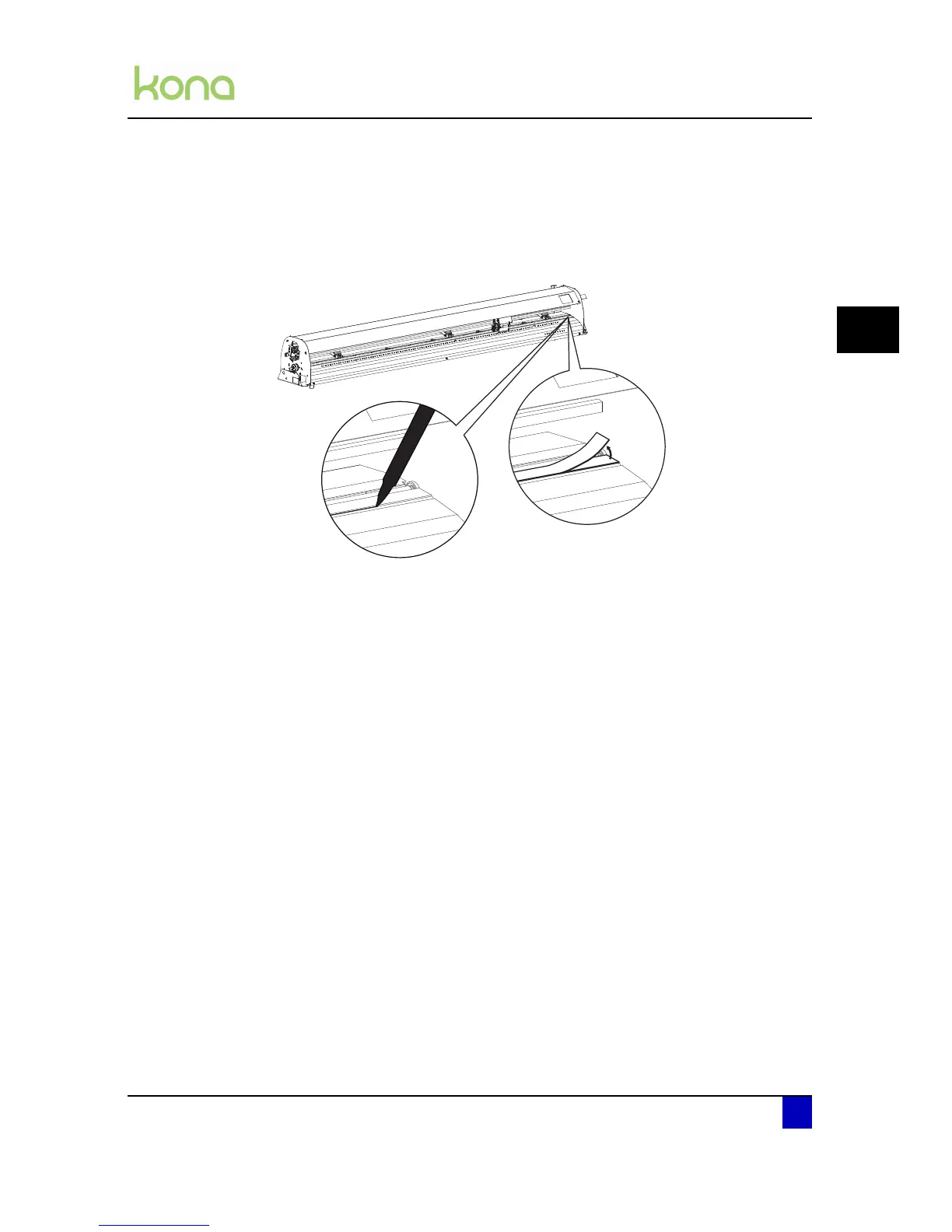
Please follow the procedure below to replace the cutting mat.
Step 1: Draw a line with a small pen in front of the cutting mat and remove the worn cutting
mat.
Step 2: Clean the platen with isopropanol.
Step 3: Install the new cutting mat in the same position as the old one.
Step 4: If you notice some cutting errors after replacing the cutting mat, it might be
necessary to contact an authorized Mutoh technician to perform a Y-Z profile
measurement.












 To Next Page