User’s Guide Kona cutting plotter
Operation panel
AP-75380 - Revision 1.2 77
4
4.2.2 Settings 1/4
Velocity
Set the cutting speed according to the application (cut through, contour cutting). The following
speeds can be set:
Tool up speed
the speed of the cutting head when the tool is up
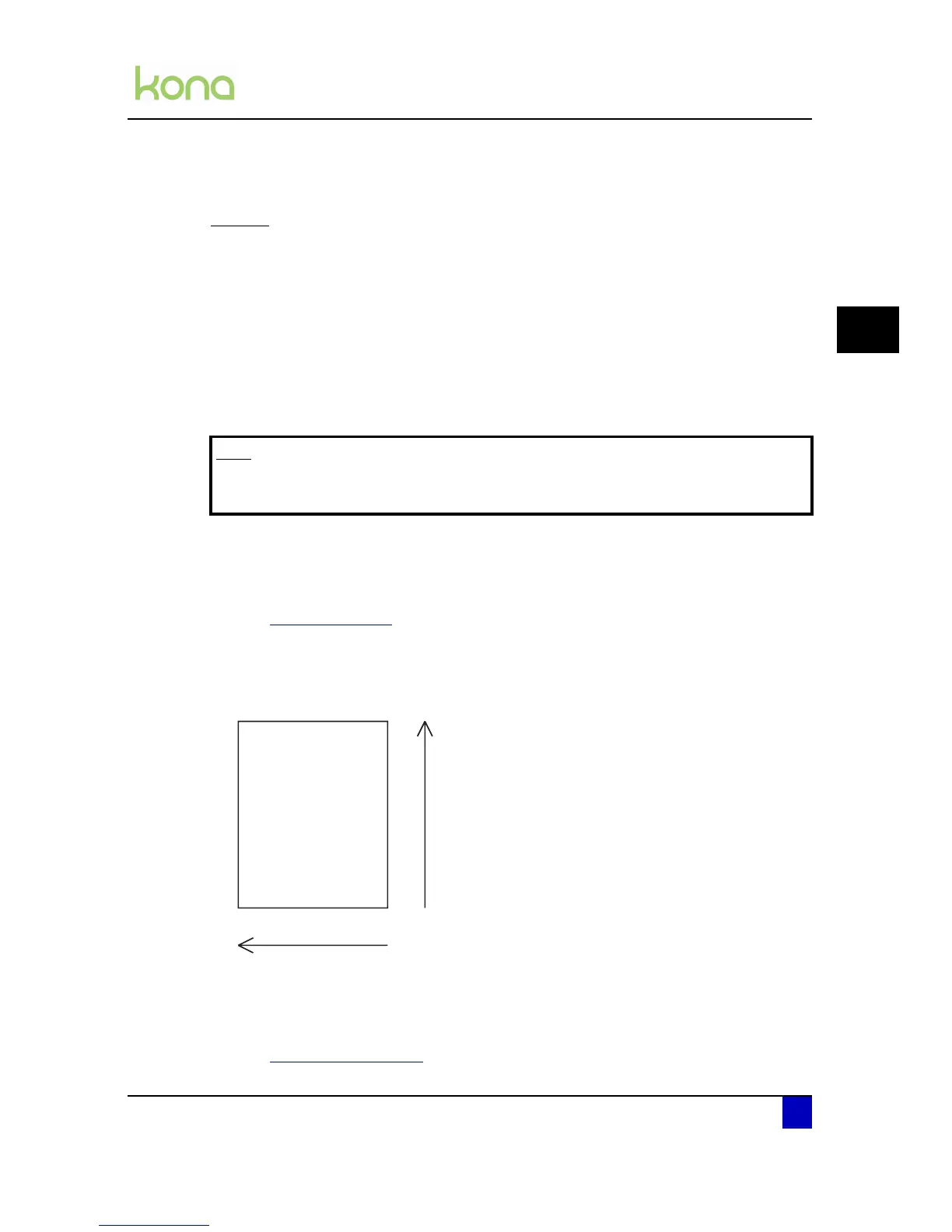
the cutting head speed in left-right movement
Tool down speed
the speed of the cutting head when the tool is down
the feeding speed (media detection)
The speeds can be set as well on the cutter panel as in the cut software. When the speed is
set in the software, the panel speed will be overruled when the function VS/ZF/AS is enabled
(by default).
Refer to Protocol on page98
In this case, the tool down speed is the speed of measuring up the box in X-direction. The tool
speed in Y-direction will always be the maximum tool up speed (100 cm/s). Consequently, it is
possible to gain some time when you set the real cutting speed in the software and the
bounding box measuring speed on the control panel.
Note that there is also a throughcut speed. This speed can be set in the separate Cut Through
menu.
Refer to Cut through on page102
Note
Be aware that when setting the tool up speed higher than the tool down speed,
it will be clipped.












 To Next Page