User’s Guide Kona cutting plotter
Basics
32 AP-75380 - Revision 1.2
3.2.2 Recovery procedure
In case the Kona fails to update the firmware, there is a recovery procedure available. If the
firmware upgrade has failed, the cutter will:
not light its display
not make any sounds when powering on
blink 4 error leds (available when removing the right hand cover)
There are 2 possibilities to perform a recovery.
Reinstalling the FW via the PC.
To use the recovery mode, proceed as follows:
Step 1: Download the latest firmware from Mutoh’s member Site
> window drivers or insert
the Kona cutting plotter installation CD.
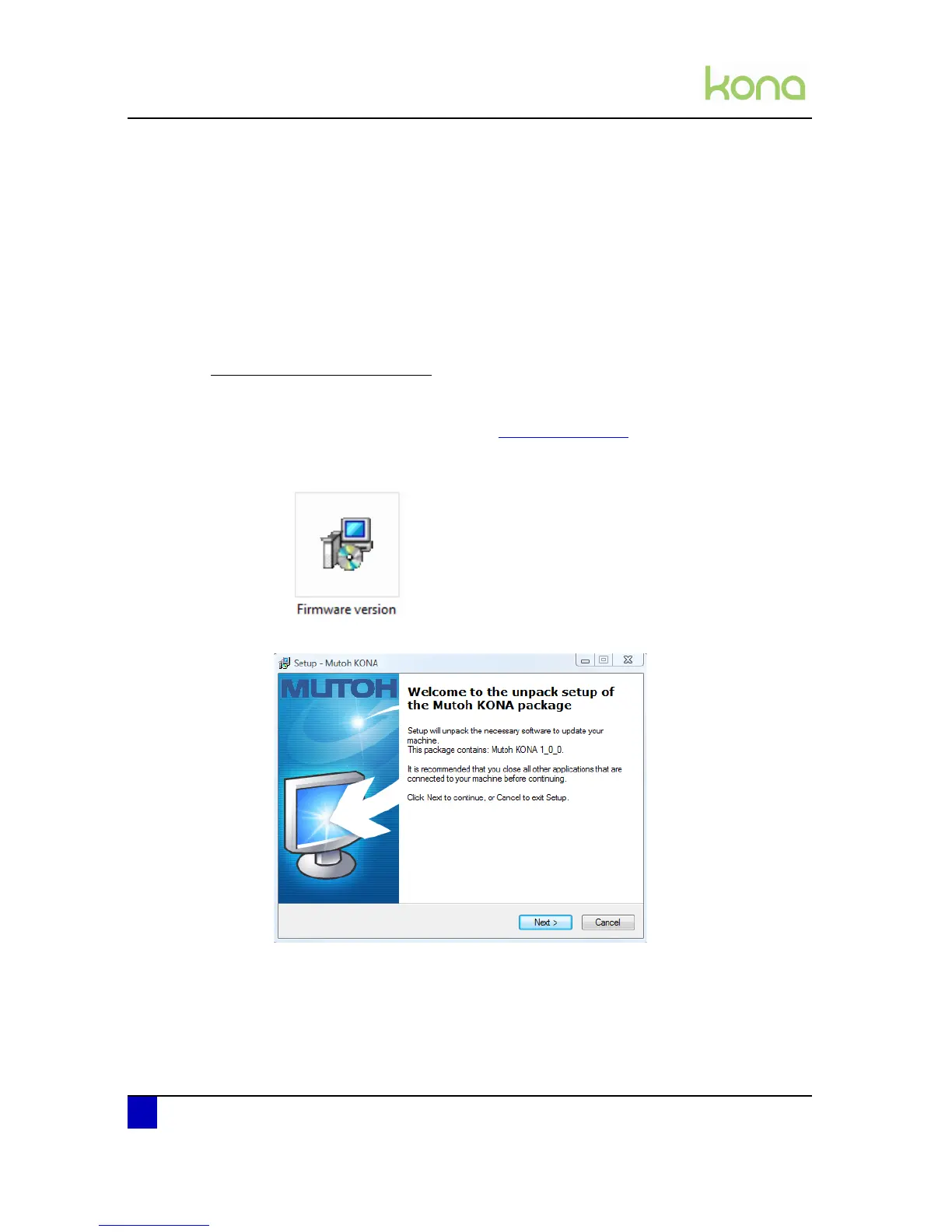
Step 2: Double click on the exe file.
Step 3: Press next.
Step 4: Read the License Agreement and select I accept the agreement and press next.












 To Next Page