User’s Guide Kona cutting plotter
Basics
AP-75380 - Revision 1.2 33
3
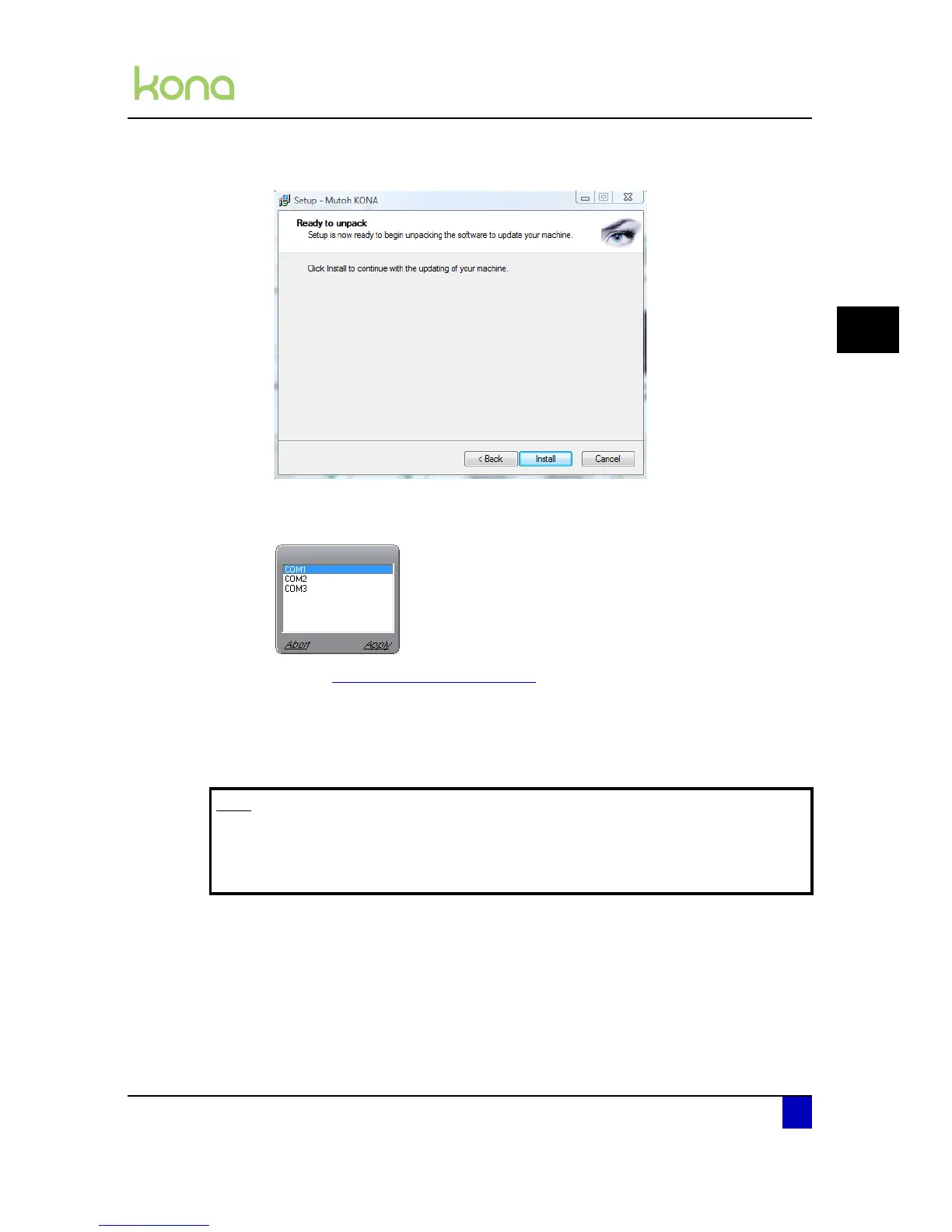
Step 5: Click Install to continue.
Step 6: The program will extract the files.
Step 7: Select the ComPort on which the cutter is connected and press Apply.
Refer to Check COM port used on page27
Step 8: The PC will send and program the new firmware to the cutter.
Step 9: The Kona cutting plotter will restart automatically as soon as the firmware has been
installed.
Step 10: The new firmware has been installed properly when you hear a beep.
Note
After updating the new firmware, take a parameter backup. A new firmware
automatically leads to new internal parameters.
Refer to the application guide for more information.












 To Next Page