User’s Guide Kona cutting plotter
Basics
28 AP-75380 - Revision 1.2
For Windows Vista and 7 users
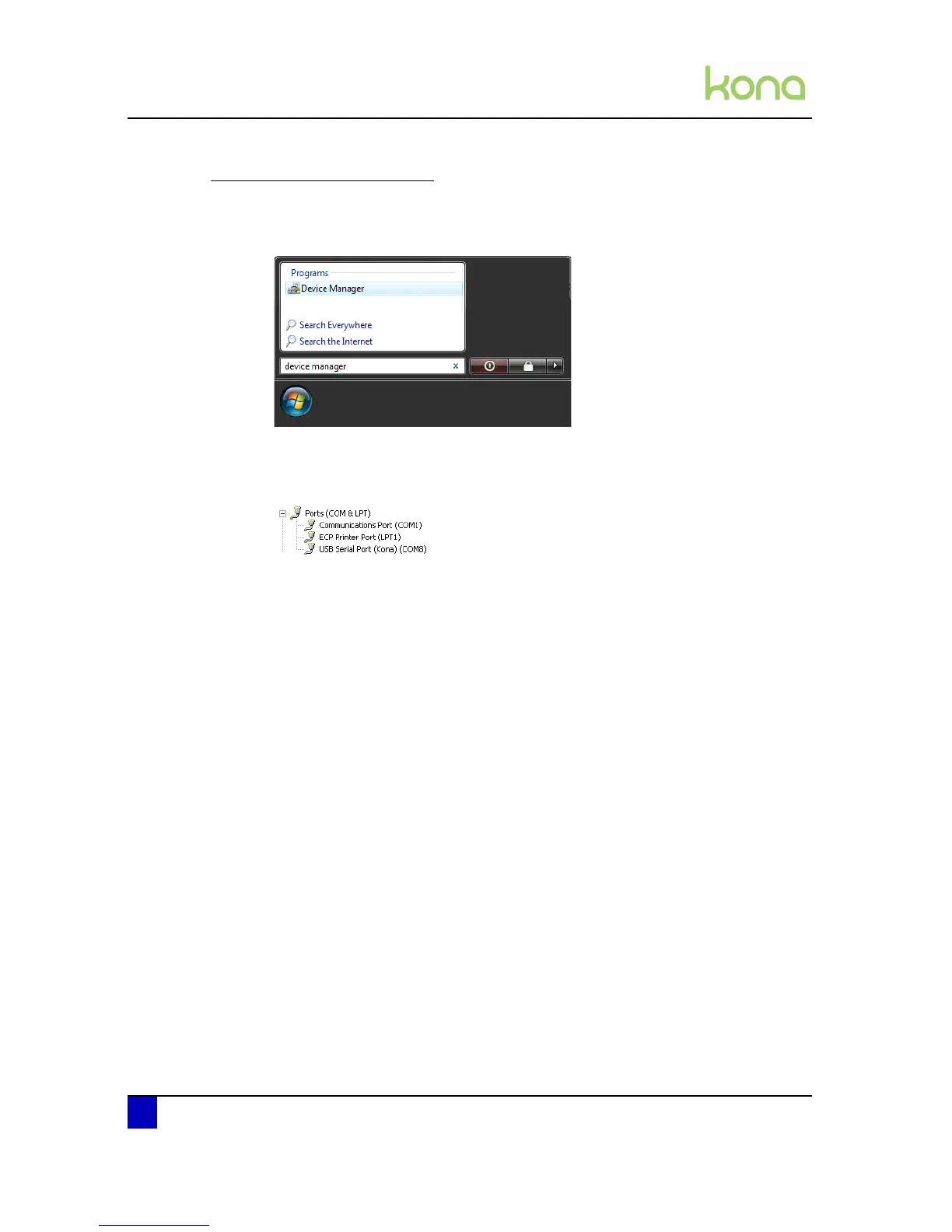
Step 1: Click on the start button
Step 2: Type device manager in the search window
Step 3: Click on device manager
Step 4: Unfold the Ports (COM & LPT) menu and check which COM port is written next to
the Kona cutting plotter.












 To Next Page