User’s Guide Kona cutting plotter
Through cutting
140 AP-75380 - Revision 1.2
7.2 Setting up your Kona cutting plotter
7.2.1 Tools necessary
Through cutting is a combination of firmware and software features, the correct settings and
tools. Be sure to have the following firmware, software and tool(s) to perform a through cut.
7.2.2 Toolswap settings
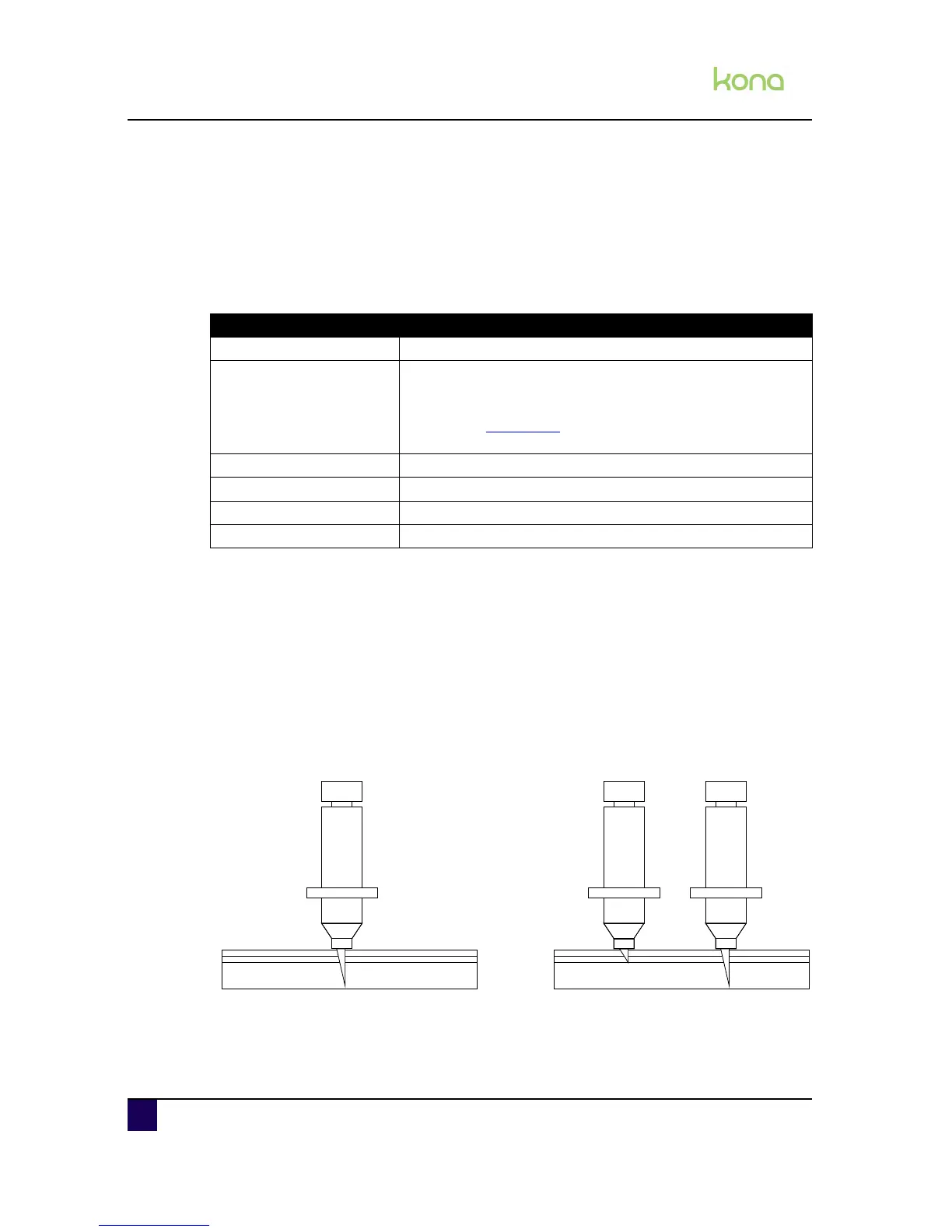
Mutoh’s supporting cut through technique encodes two cut through methods:
Single tool - cut through tool (1)
Executes both contour and cut through vector paths with one single knife holder with cut
through knife depth.
Multi-tool - standard (1) & cut through tool (2)
This multi tool method will complete both contour and cut through data with two separated
knife holders. A message on panel will inform the user to swap tools based on the vectors
path identity.
Firmware - program - tool To have at least ...
Cutter firmware 1.00
EasySIGN
service pack v 5.12
There is a special driver update required when working with
the Kona cutting plotter series cutters. This file (Mutoh.drv) can
be found on Mutoh’s FTP
and should be copied over the
existing Mutoh.drv
Mutoh Grip (+) 8.00
Standard knife Angle = 45° and offset = 0,50 mm (part number: ZMY-10050B)
Cut through knife Angle = 45° and offset = 0,50 mm (part number: ZMY-10050B)
Spare cutting mat part number: KY-15305












 To Next Page