User’s Guide Kona cutting plotter
Basics
AP-75380 - Revision 1.2 27
3
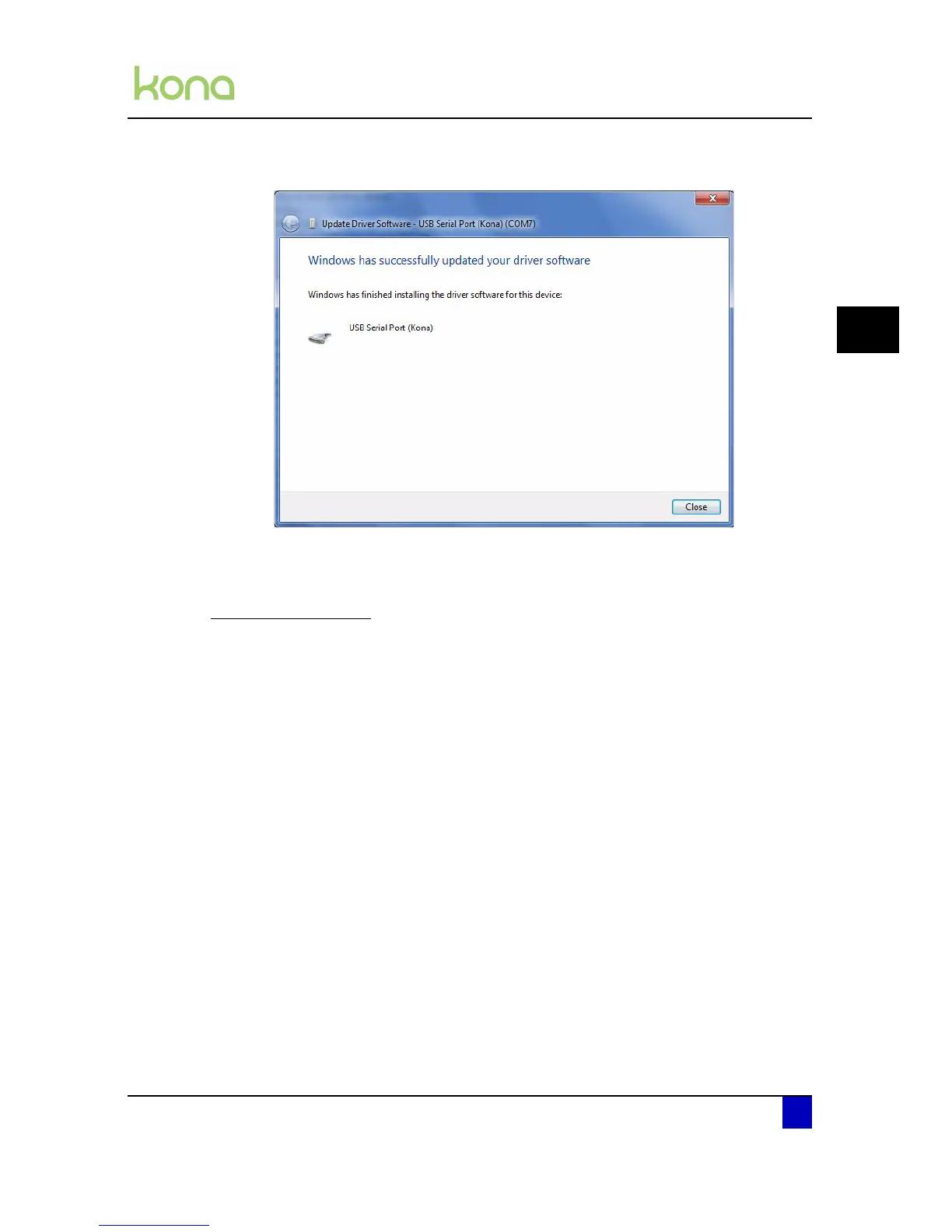
Step 14: USB Serial Port driver is now installed.
3.1.2 Check COM port used
For Windows XP users
Step 1: Open the windows control panel.
Step 2: Double click on the system icon
Step 3: Click on the hardware tab
Step 4: Click on device manager
Step 5: Unfold the Ports (COM & LPT) menu and check which COM port is written next to
the Kona cutting plotter.












 To Next Page