User’s Guide Kona cutting plotter
Basics
AP-75380 - Revision 1.2 65
3
3.7 Loading curled media
Next to multiple kinds of media, the Kona is also able to cut curled media.
However, to perform this action, there are some extra items you need to keep in mind.
Please follow the procedure below to load curled media properly.
Step 1: Determine the type of media e.g. sheet media and install the correct configuration.
Refer to Configuration to start from on page51
when loading sheet media
Refer to Configuration to start from on page55
when loading a roll of vinyl using
the media support rollers.
Refer to Configuration to start from on page60
when loading a roll of pre-printed
vinyl using the roll-off system.
Refer to Bounding box specifications on page135
Step 2: Guide the media under the pressure rollers at the front of the cutter.
Make sure that the front edge of the media is loaded at least 7 cm past the
cutting head.
Make sure that the rear of the media is still covering the sensors when the cutter
measures the cutfile. We advise a rear safety margin of at least 30 cm.
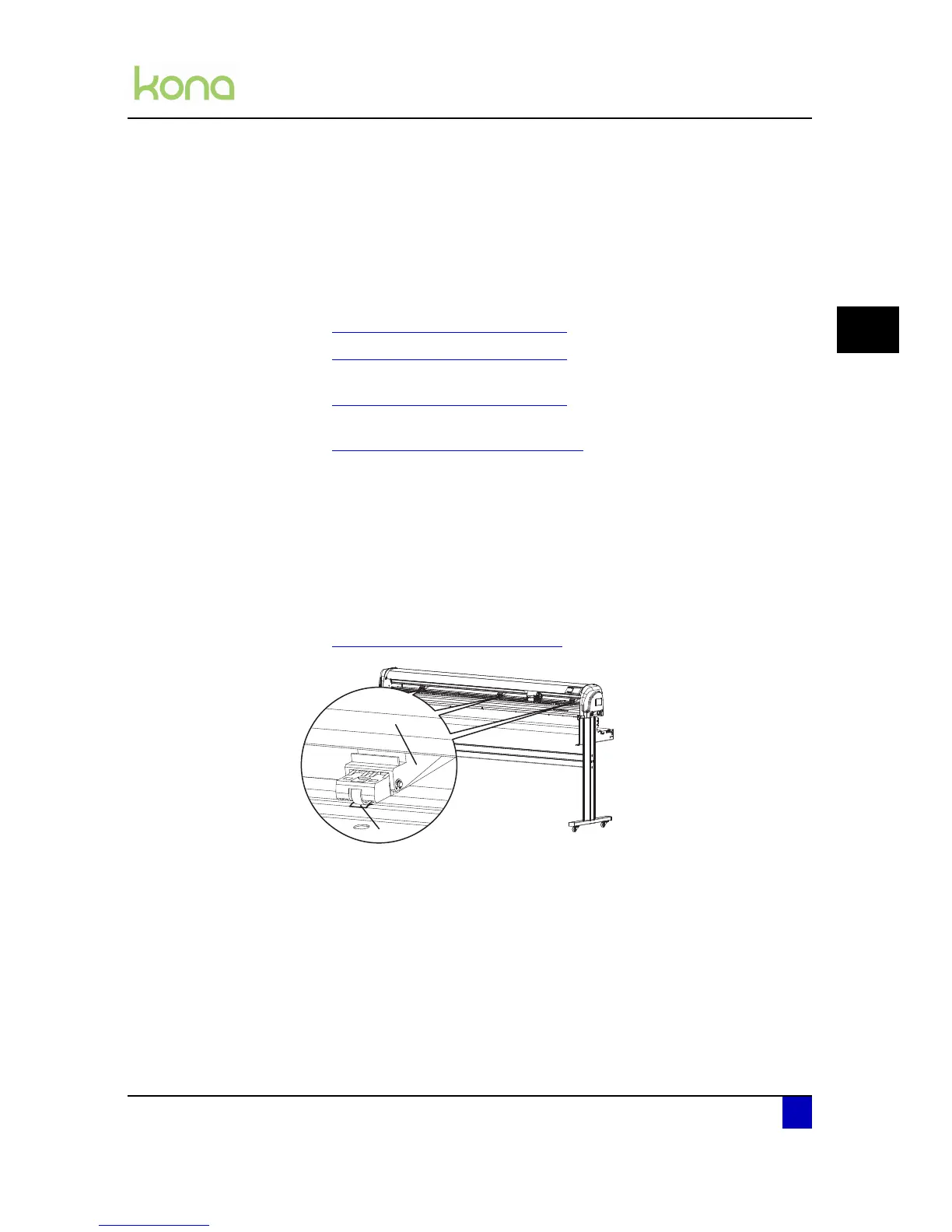
Step 3: Position the pressure rollers (1) so that every pressure roller faces a grit roll (2).
Each pressure roller has a tactile and audible click system which makes it easier to
position them correctly.
Refer to Pressure roller positioning on page47
z












 To Next Page