User’s Guide Kona cutting plotter
Basics
64 AP-75380 - Revision 1.2
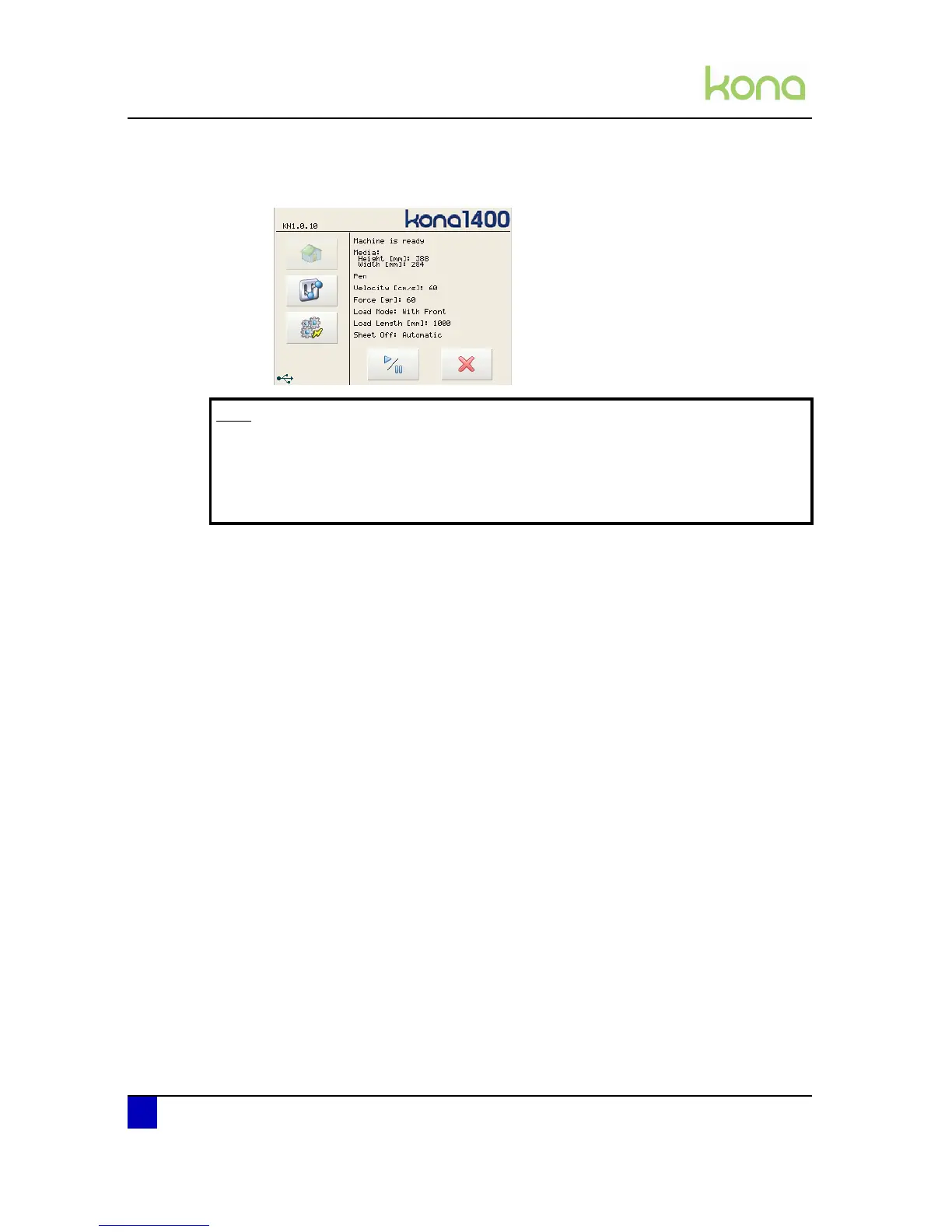
Step 9: When no problems occur, the main screen will appear. The usable width of media
will be displayed:
Step 10: The media is now properly loaded and you are ready to cut.
Step 11: You are ready to cut.
Note
In case there is no tool installed, the cutter gives a warning screen.
Select ignore in case you want to proceed without any tools.
In case you forgot to install a tool, install the tool of your choice and select retry.
The cutter will measure the tool height and proceed as normal.












 To Next Page