User’s Guide Kona cutting plotter
Basics
56 AP-75380 - Revision 1.2
Media loading procedure
Step 1: Place the vinyl on the media support rolls. Be sure that the space between the rolls
is smaller than the diameter of the core. Otherwise, the core will fall through the rolls
when the roll is (almost) empty.
Step 2: Guide the media under the pressure rollers at the front of the cutter.
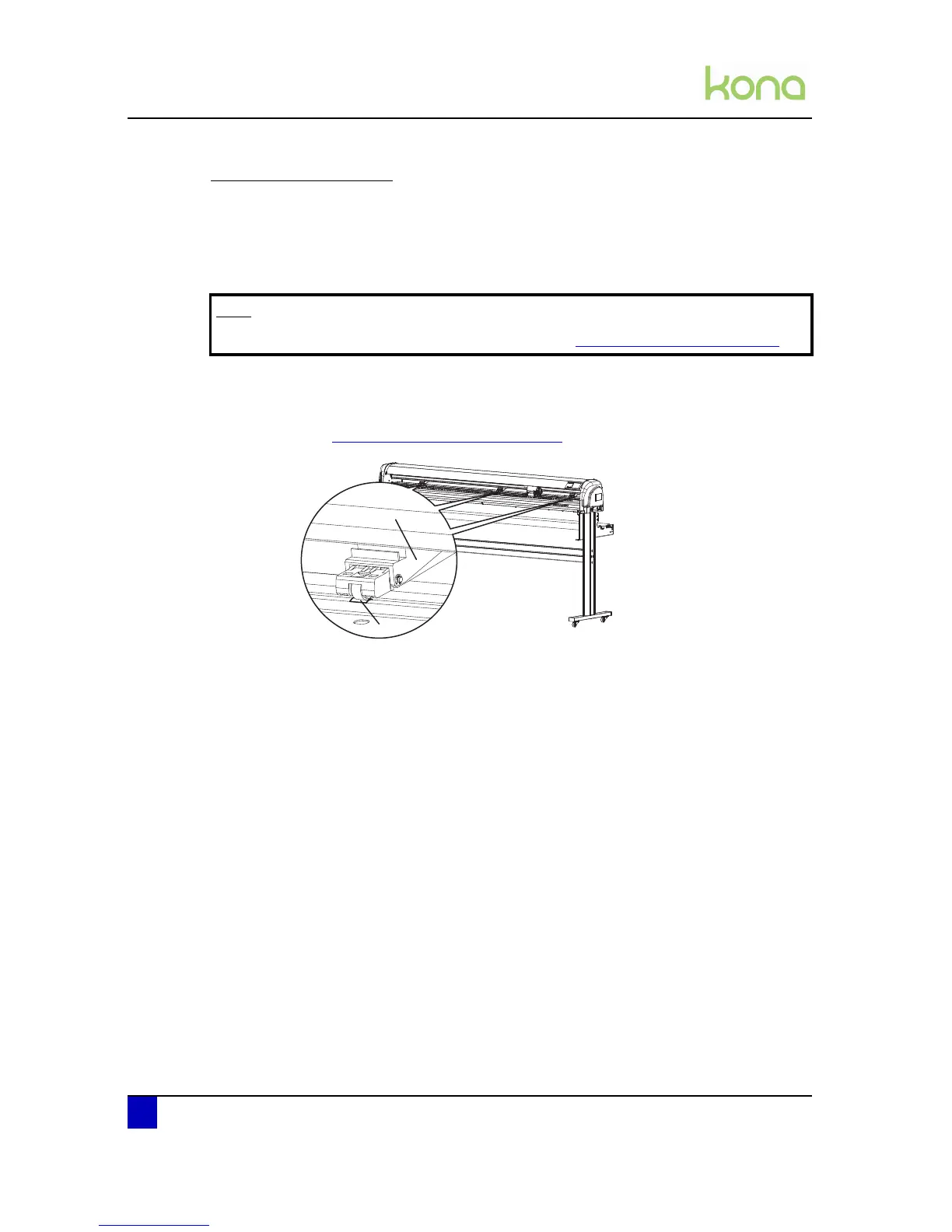
Step 3: Position the pressure rollers (1) so that every pressure roller faces a grit roll (2).
Each pressure roller has a tactile and audible click system which makes it easier to
position them correctly.
Refer to Pressure roller positioning on page47
z
Note
In case of working with curled media, refer to Loading curled media on page65












 To Next Page