User’s Guide Kona cutting plotter
Basics
AP-75380 - Revision 1.2 61
3
Media loading procedure
Step 1: Install the pre-printed media roll between the media holders. Position the roll and
tighten the media holders by fixing the thumb screws.
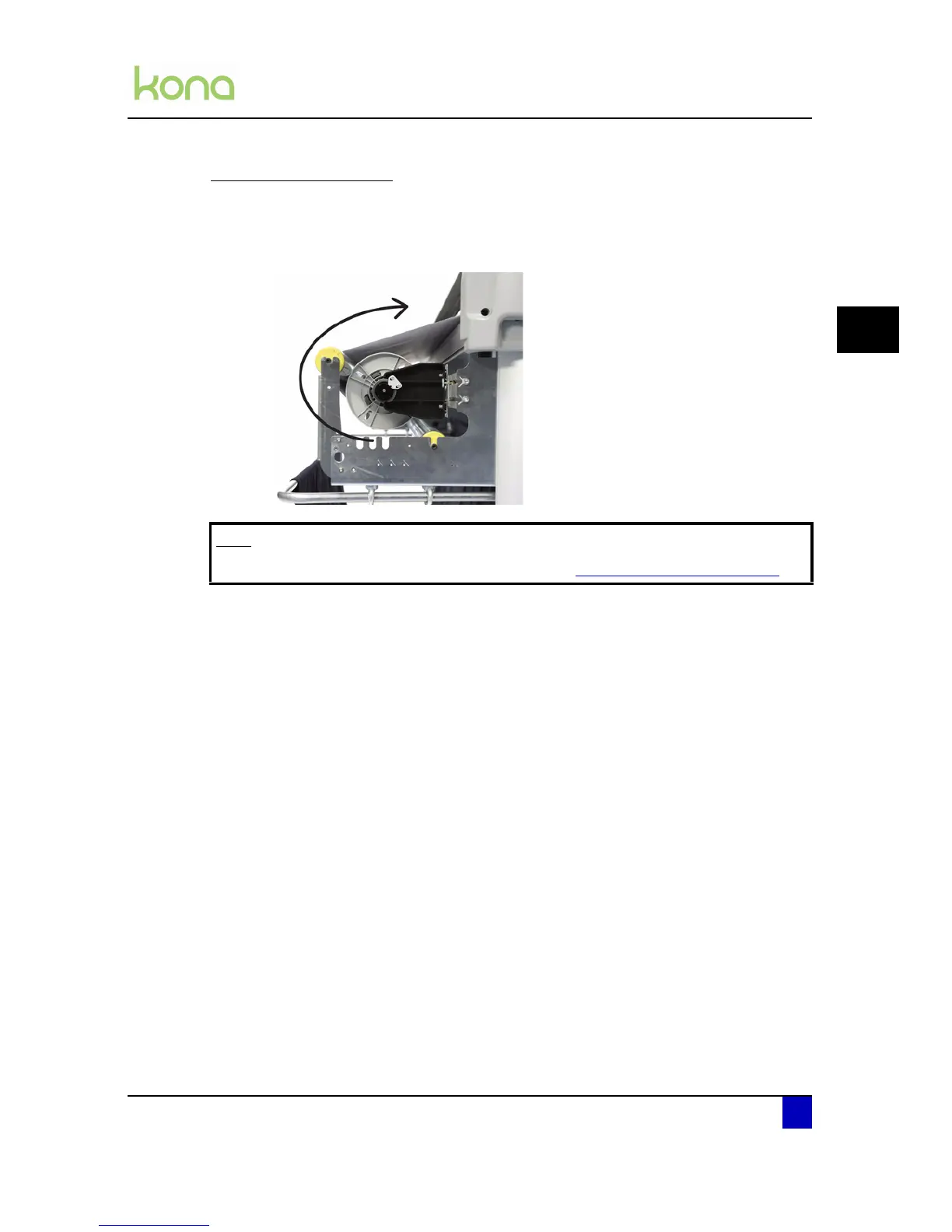
Step 2: Guide the media as shown below:
Note
In case of working with curled media, refer to Loading curled media on page65.












 To Next Page