User’s Guide Kona cutting plotter
Through cutting
AP-75380 - Revision 1.2 145
7
7.4 Poster trimming workflow
After printing some posters, it is possible to use the Kona cutting plotter to trim the posters
afterwards. Do this as follows:
Step 1: Load the poster in the cutter.
Step 2: Install a knife at through cut depth.
Step 3: Make your personal settings regarding the cut through feature.
Velocity
Force
Tool up distance
Tool down distance
Refer to Through cut settings on page142
for all details on how to change the
parameters.
Step 4: Press the following buttons in order:
Actions
Cut Through
Trim poster
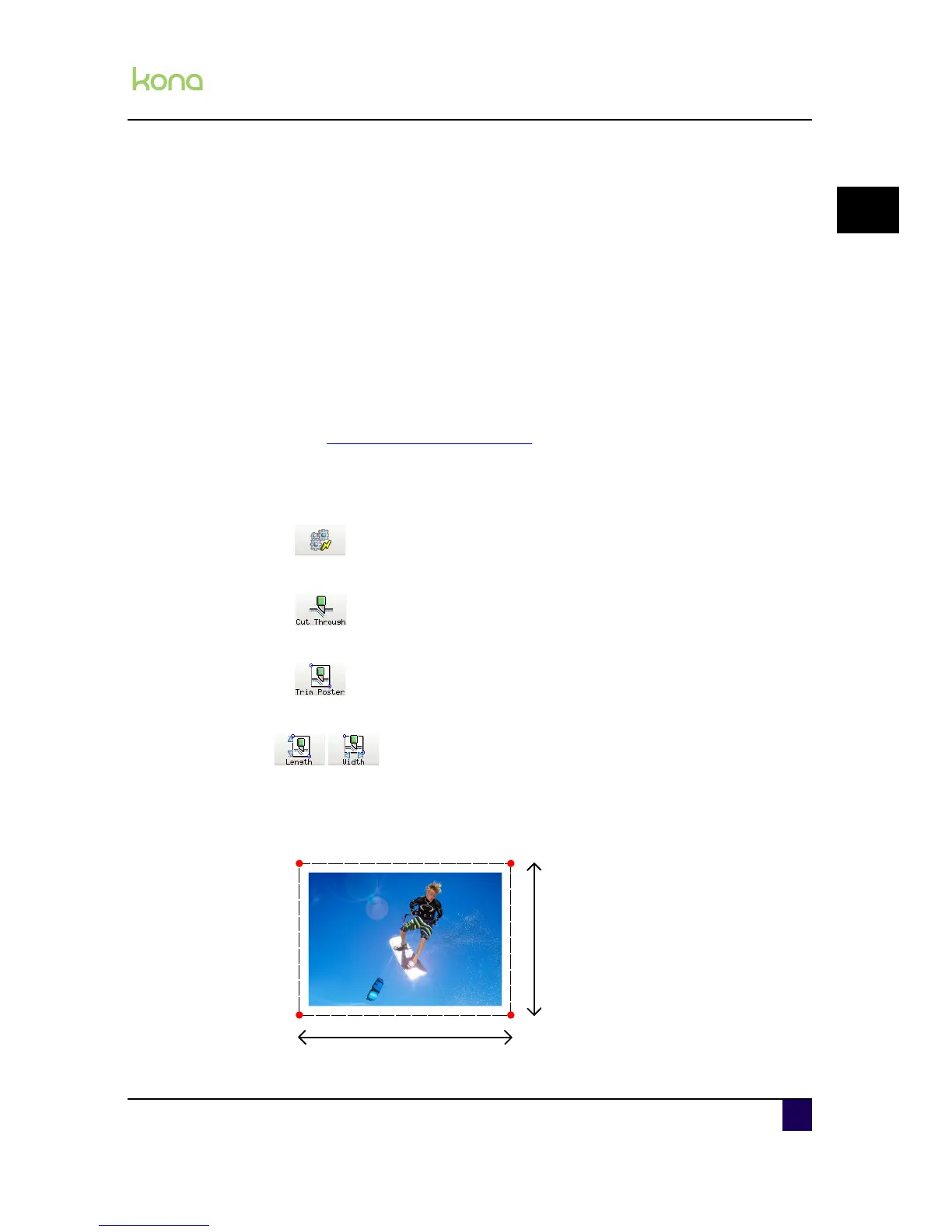
Step 5: Set the approximate length and width of the poster.
Step 6: Press the next key.
Step 7: Move the penhead using the jog keys until the knife point is positioned above P1
and press OK when done.












 To Next Page