User’s Guide Kona cutting plotter
Through cutting
146 AP-75380 - Revision 1.2
Step 8: The cutter will automatically feed the media the length set previously. Use the jog
keys to set the second corner more precisely if necessary.
Step 9: Do this until you have selected all 4 corners in correct order (P1 – P2 – P3 – P4).
Step 10: Insert the through cut tool when asked and press OK when done.
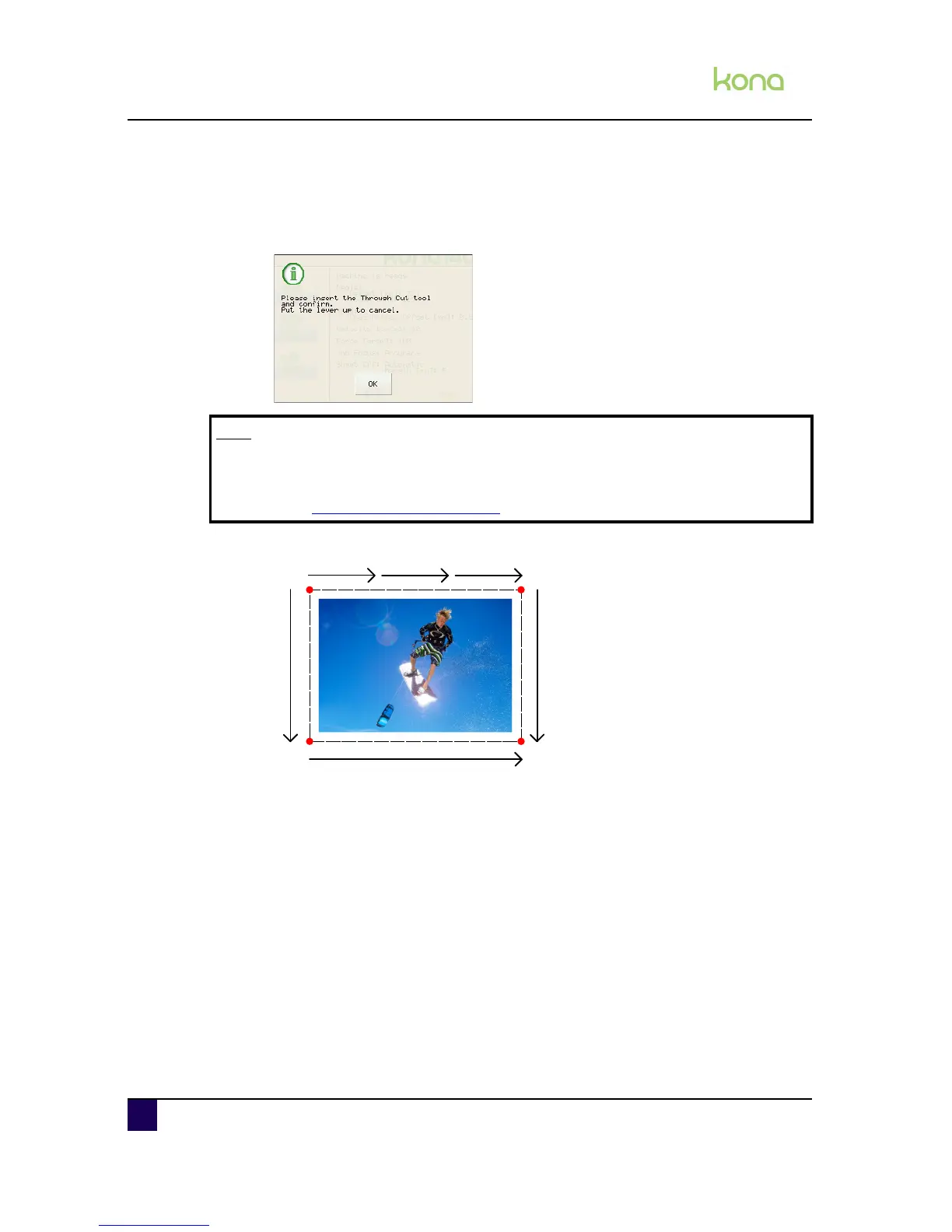
Step 11: The poster will be trimmed according to the routine shown below:
Note
This message will only be displayed when the swap alert setting is set to
multi-tool. Otherwise, the poster will be cut through without this notification.
Refer to Toolswap settings on page140












 To Next Page