User’s Guide Kona cutting plotter
Operation panel
82 AP-75380 - Revision 1.2
Force
Tool force (cutting pressure) is the amount of downward pressure that the cutter applies on
the knife / pen. We merely want to point out that you have to try to cut your design with the
lowest possible pressure that gives no trouble to weed. Some film media require only 20
grams to be cut completely through. In that case there is no need to apply 100 grams of
pressure.
Too much pressure can cause a decrease of quality. For cutting through applications we
recommend 250 grams. The same principle as for contour cutting, the lowest possible
pressure is advised, not only for the output quality but also for the lifetime of the cutting mat.
Be sure that the knife depth is set correctly.
Refer to Setting the correct knife depth on page42
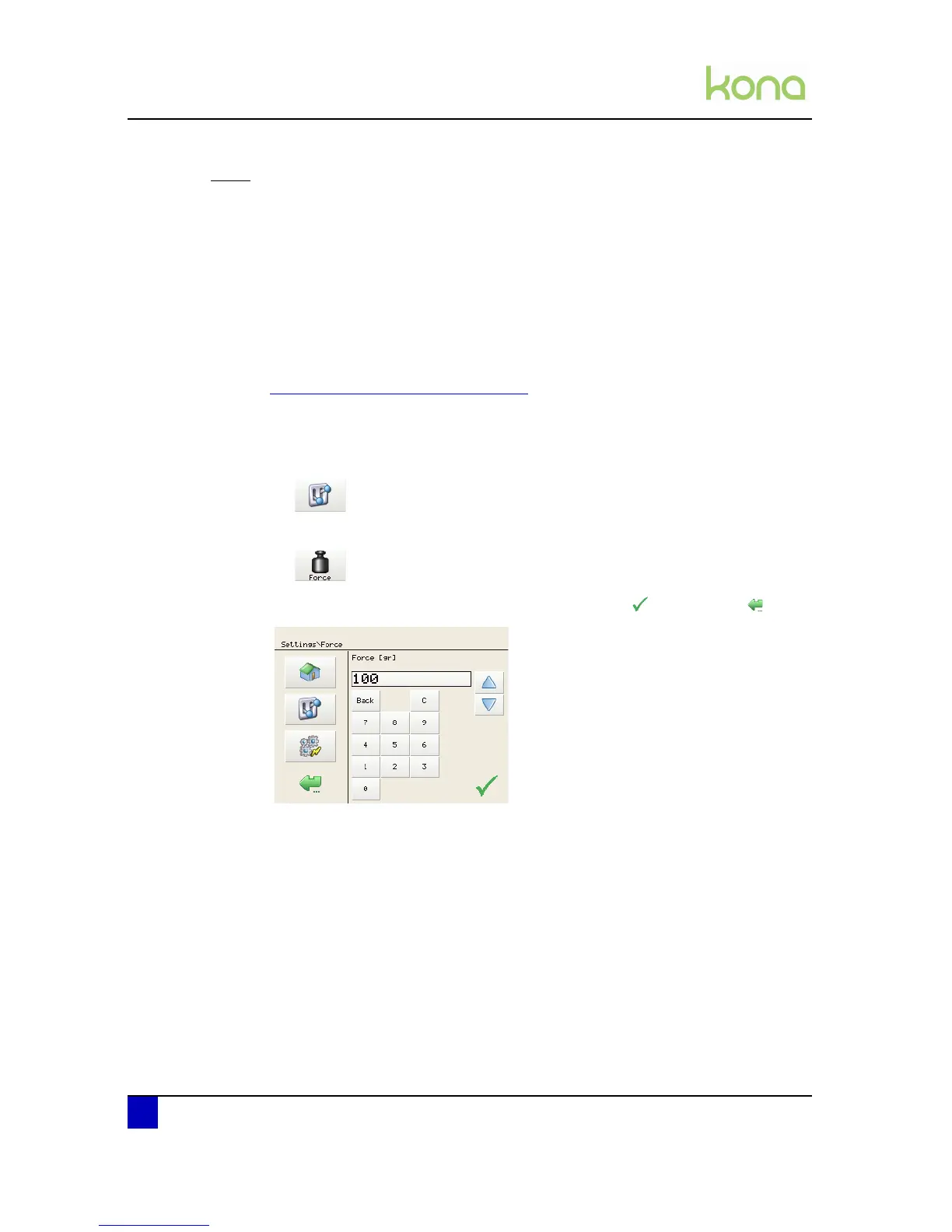
Please follow the procedure below to set the force
Step 1: Press the following buttons in order:
Settings
Force (2x)
Step 2: Change the value to the desired force and confirm with or cancel with












 To Next Page