User’s Guide Kona cutting plotter
Operation panel
AP-75380 - Revision 1.2 81
4
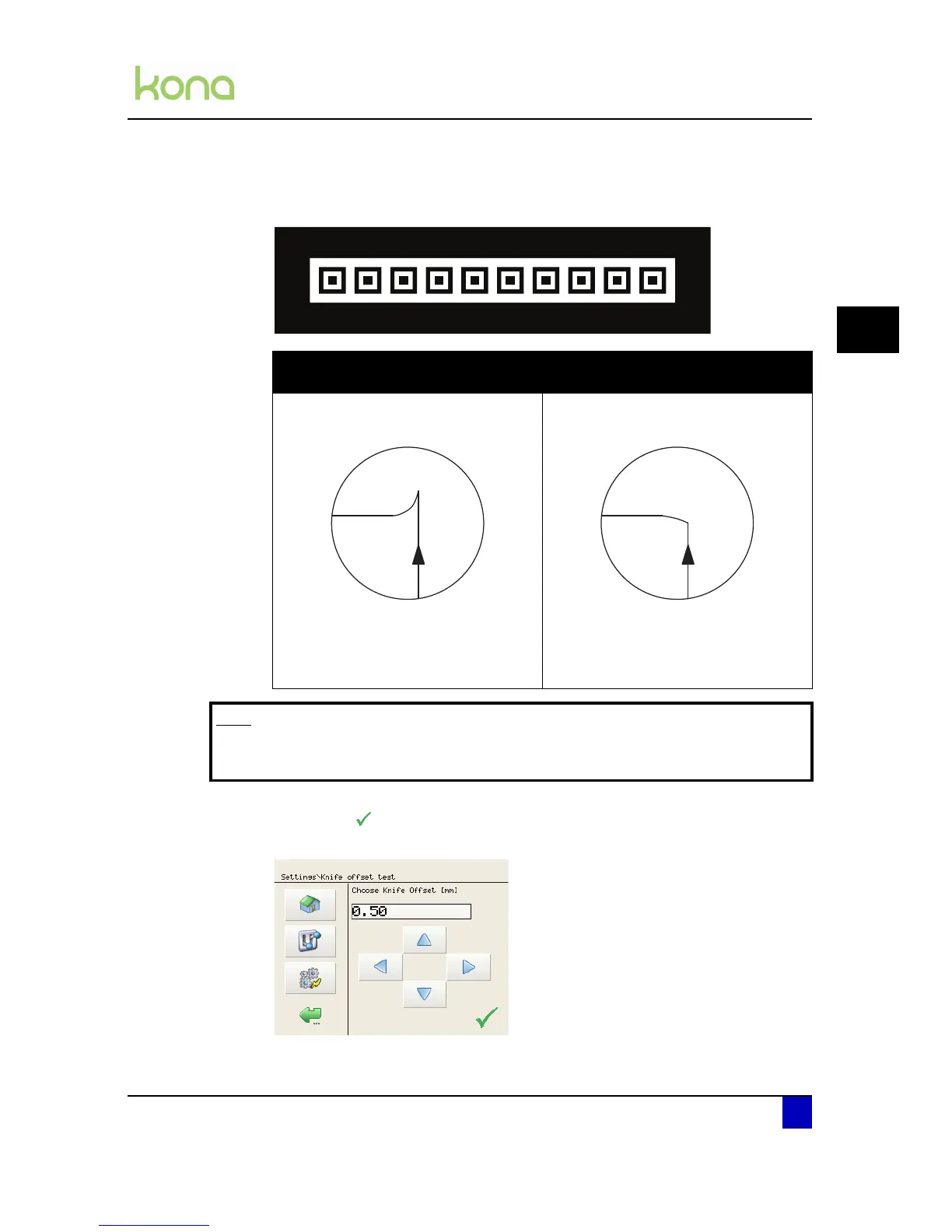
Step 4: Weed out the boxes as shown below, check the patterns and determine which of
them gives best quality. Especially look for good quality of the corners and easy
weeding.
Step 5: Point the knife over the optimum knife offset using the left-right arrow keys and
confirm with . Use the up-down arrows to move the media forward or backwards
to show the test pattern once more.
The offset value is larger than the
optimum knife offset
The offset value is smaller than the op-
timum knife offset
In this case, a square corner will be cut
as follows:
The cutting direction is indicated by the
arrow. The corners are not well formed.
The cutter cuts too far in the angular
points.
In this case, a square corner will be cut
as follows:
The cutting direction is indicated by the
arrow. The corners are not well formed.
The cutter did not cut far enough in the
angular points.
Note
In case none of the squares shows a good offset, look for the best square,
select this one and perform a new test cut.












 To Next Page