User’s Guide Kona cutting plotter
Basics
66 AP-75380 - Revision 1.2
Step 4: Choose the appropriate media measure method:
With front Uneven media
Without front Uneven Media
Refer to Load mode on page85
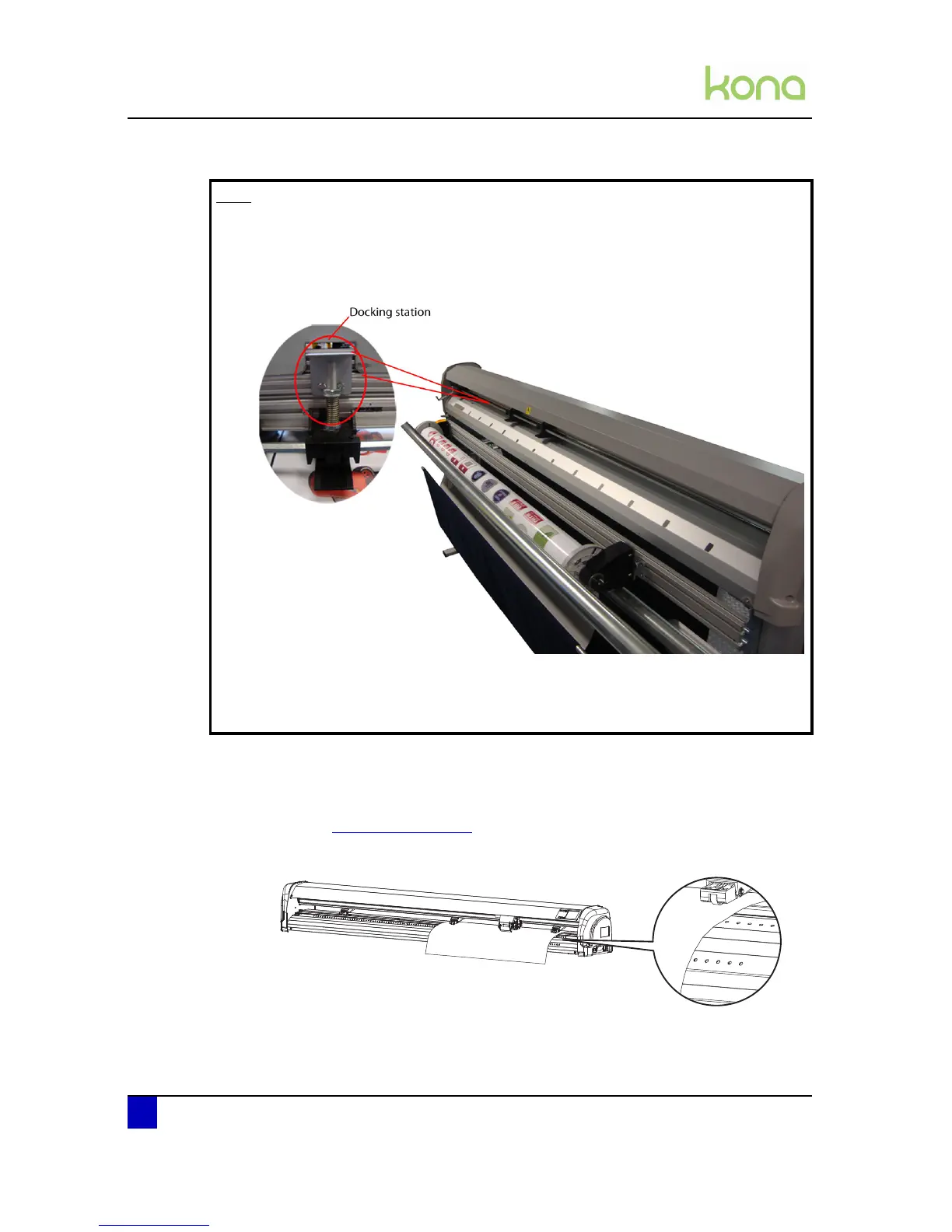
Step 5: Load the media straight. To help you, rulers are drilled in the front platen.
Step 6: Make sure that the media is cut off straight at the front to avoid media initialization
mismatches.
Note
When working on a Kona 1400 or Kona 1650 with sensitive media files where it
is not wanted to leave any pressure roller marks, it is possible to disable the
middle grit roller. To do so, move it to the docking station. The pressure roller
will be disabled as soon as you lower them.
Be aware that the cutter may have less tracking when doing this.
Be aware that when working on full media width, the 3 pressure rollers must be
used.












 To Next Page