Chapter 5 Ion Measurement (F-53,55)
5.4 Changing Measurement SETUP Conditions
F-52, 53, 54, 55 87
● ION check
By ION check function, the output of the checker X-51 (optional) can be input to the meter, to
perform the functional check of the meter.
Refer also to the instruction manual of the checker X-51 before the work.
Set the measurement unit for Ion to mol/L before starting the check work.
Set the temperature compensation to AUTO.
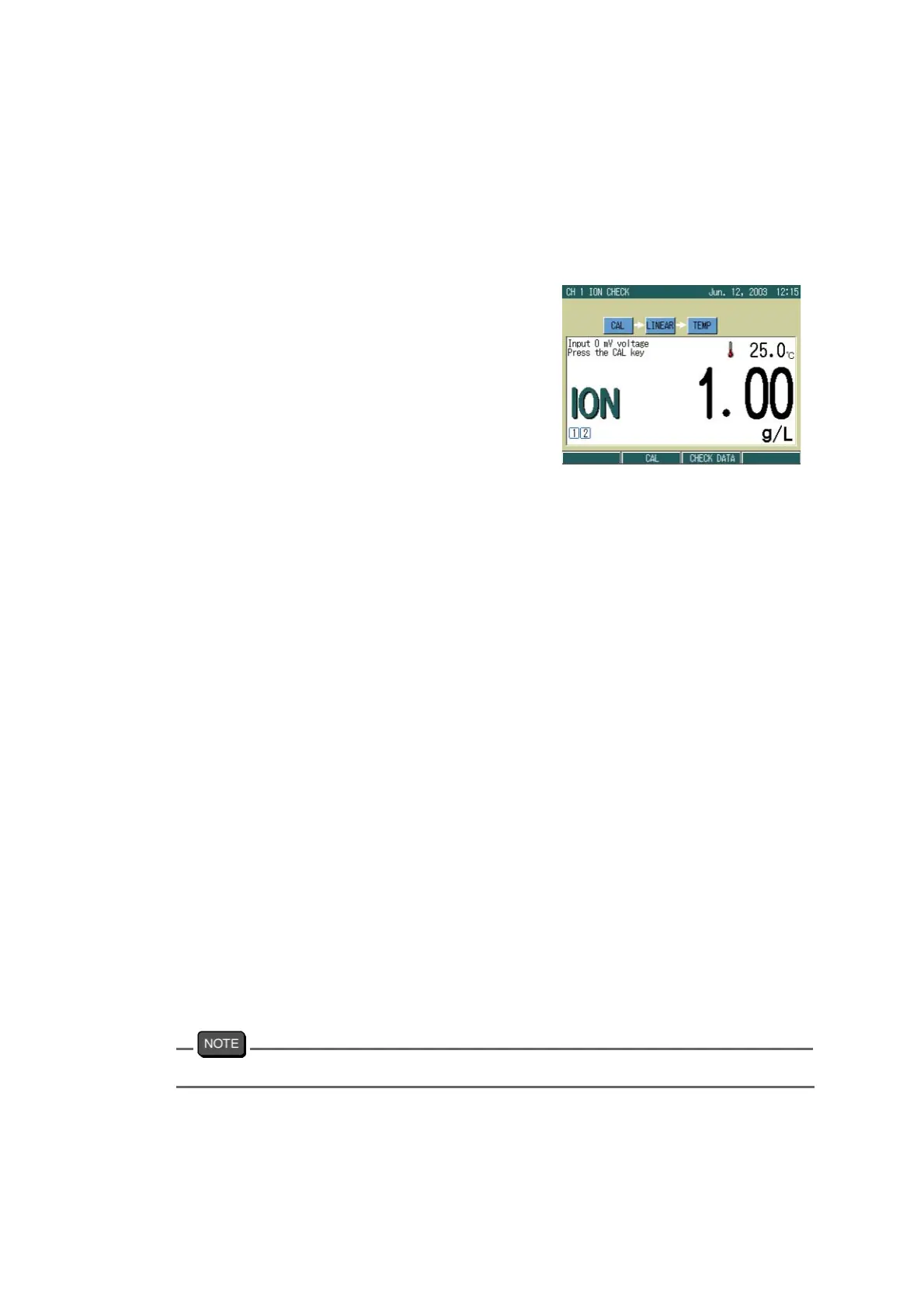
1. In the ION CAL screen, press F2
(CHECK).
The ION CHECK screen appears.
2. Output the sample data from the
checker.
3. Press the CAL key.
When the indication stabilizes, the
HOLD indication changes from the
blinking state to the lit state.
4. Output the next sample data from
the checker.
5. Repeat the step 3. to step 4., to
confirm all the items in the follow-
ing order.
Calibration by standard solution
0 mV 1.00 mol/L
120 mV 10.0 mmol/L
Linearity check
240 mV 100 μmol/L
120 mV 10.0 mmol/L
0 mV 1.00 mol/L
-120 mV 100 mol/L
Temperature check
0.0 ℃
30.0 ℃
60.0 ℃
100.0 ℃
The ion valency displayed at this time have no relation with the check.
When all the check is completed, the result is displayed.
6. When all the check is completed, the result is automatically output.



 To Next Page