Chapter 11 METER SETTING
11.4 Maintenance Setting
140 HORIBA
● Setting/Execution of each item
BRIGHTNESS OF DISPLAY
Adjust the screen brightness as follows.
1. Press ← or → key and adjust the backlight brightness.
Pressing ← key makes the screen brighter, whereas pressing → key darkens the
screen.
Display color
Adjust the color tone of the screen by visually checking it on the screen.
There are totally eight (8) tones, from 0 to 7.
It is set to 0 in the initial setting.
1. Press the ENTER key.
The setting is now available.
2. Press ↑ or ↓ key, and set the color tone.
The color tone of the screen changes.
3. Press the ENTER key.
The setting is made.
Character
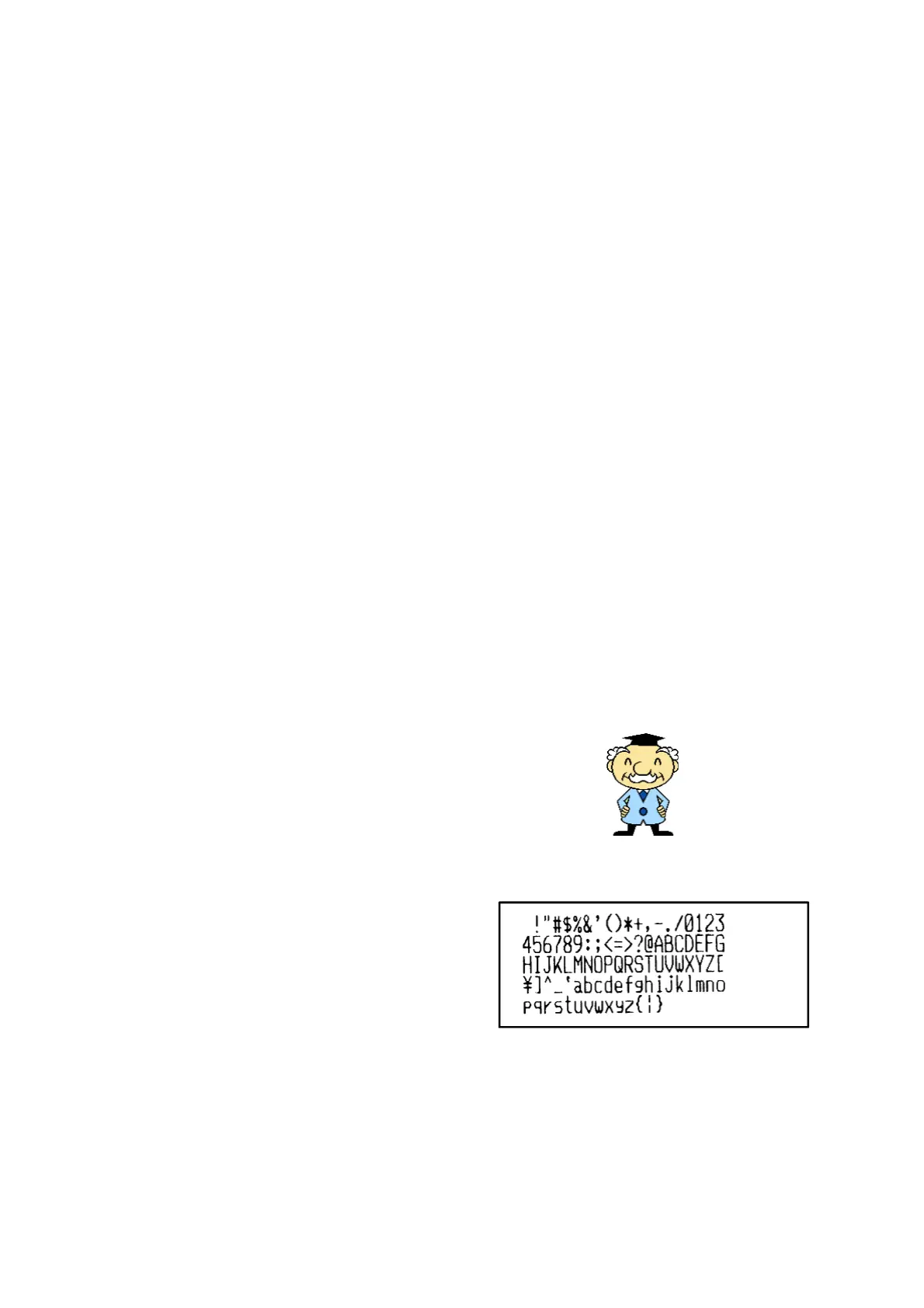
The navigation character can be selected to
be displayed or not displayed. When set to be
displayed, he appears at such operations as
performing calibration and displaying cali
-
bration history, navigation, and/or clock.
1. Press ← or → key and select OFF
or ON.
OFF: The character does not appear.
ON: The character appears.
Printer test
At printer connection, the trial printout is
available.
1. Press the ENTER key.
The trial printout starts.
Character
絵差し替え
印字例



 To Next Page