Chapter 11 METER SETTING
11.4 Maintenance Setting
F-52, 53, 54, 55 141
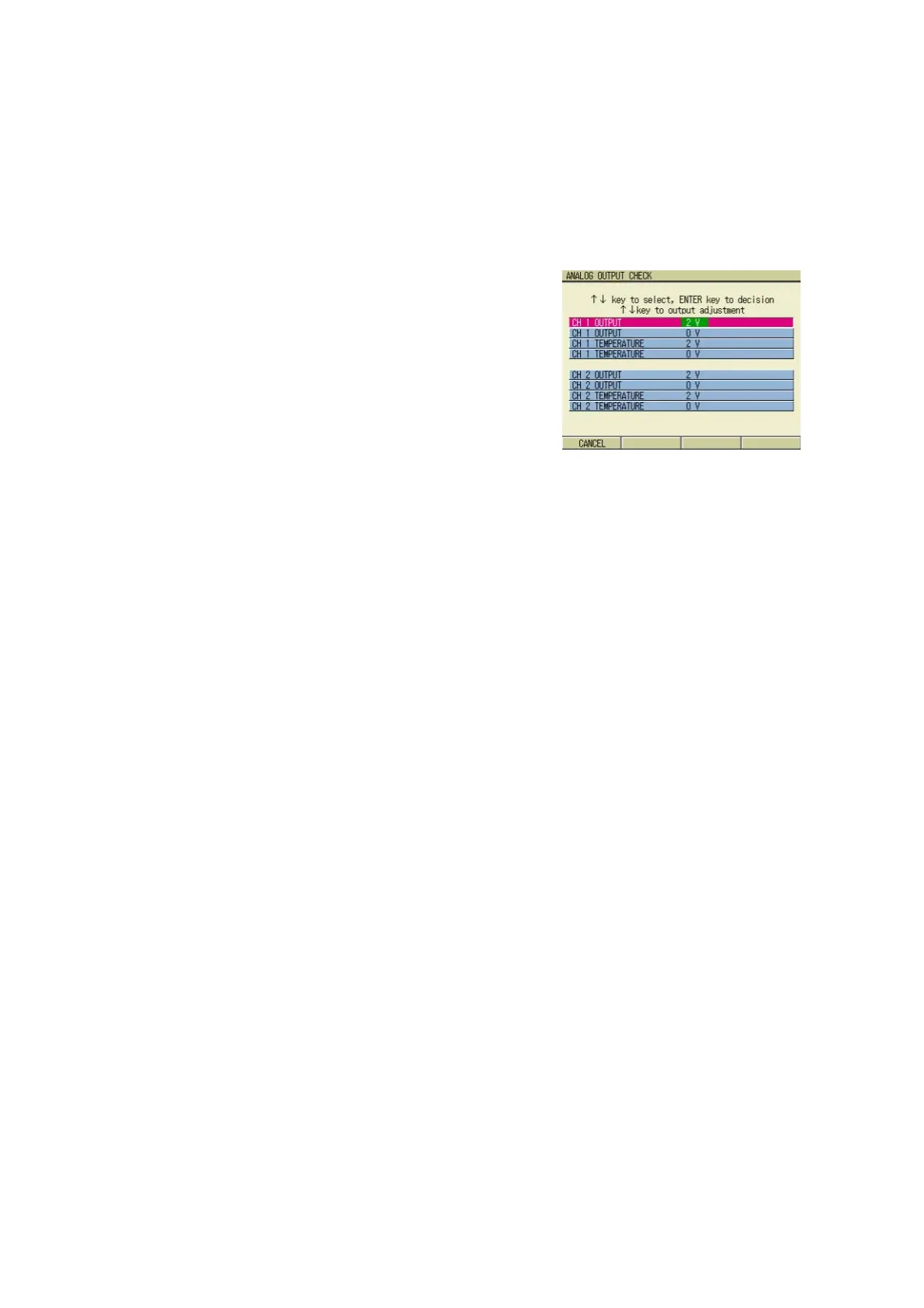
Analog test
Analog output voltage can be checked and
adjusted.
1. Press the ENTER key.
The ANALOG OUTPUT CHECK
screen appears.
2. Press ↑ or ↓ key and select the
item, and press ENTER key to
determine the selection.
3. Check the output by a voltmeter.
4. Press ↑ or ↓ key, and adjust the
output voltage indicated on the
voltmeter to the specified values,
0V/2V.
5. Press the ENTER key to assure
the output.
6. When the confirmation and/or
adjustment is completed, press F1
(CANCEL).
The display returns to the MAINTE-
NANCE screen.



 To Next Page