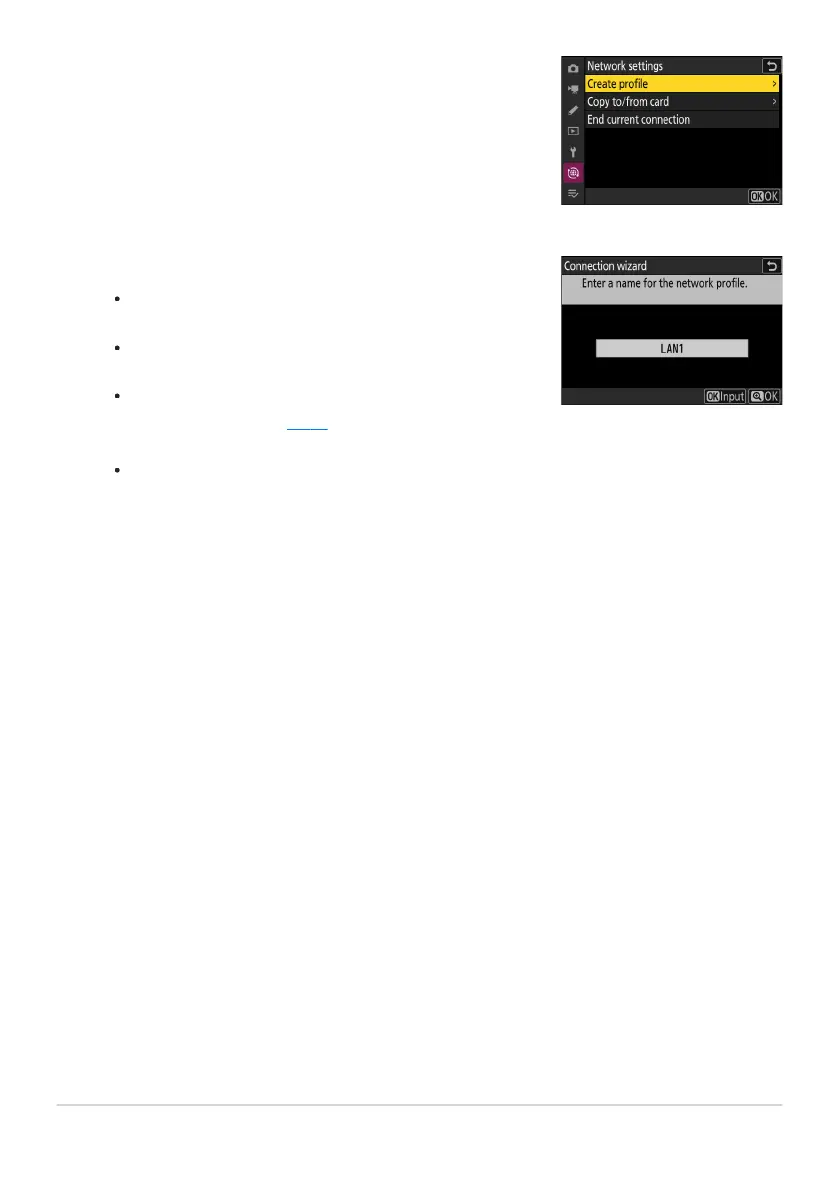
Highlight [Create profile] and press J.
Name the new profile.
To pr
oceed to the next step without changing the default
name, press X.
Whatever name you choose will appear in the network
menu [Connect to computer]> [Network settings] list.
To rename the profile, press J. For information on text
entry, see “Text Entry” (
0 67). Press X to proceed after
entering a name.
There may be a delay before the camera detects the USB-
to-Ethernet adapter. If the camera is unable to detect an
Ethernet connection, the wizard will be configured to begin
creation of a wireless LAN profile with the default name
“WLAN1”. Tap Z or press 4 to return to Step 4, wait about
10 seconds, and then try again.
330
Computers: Connecting via Ethernet
4
5



 To Next Page