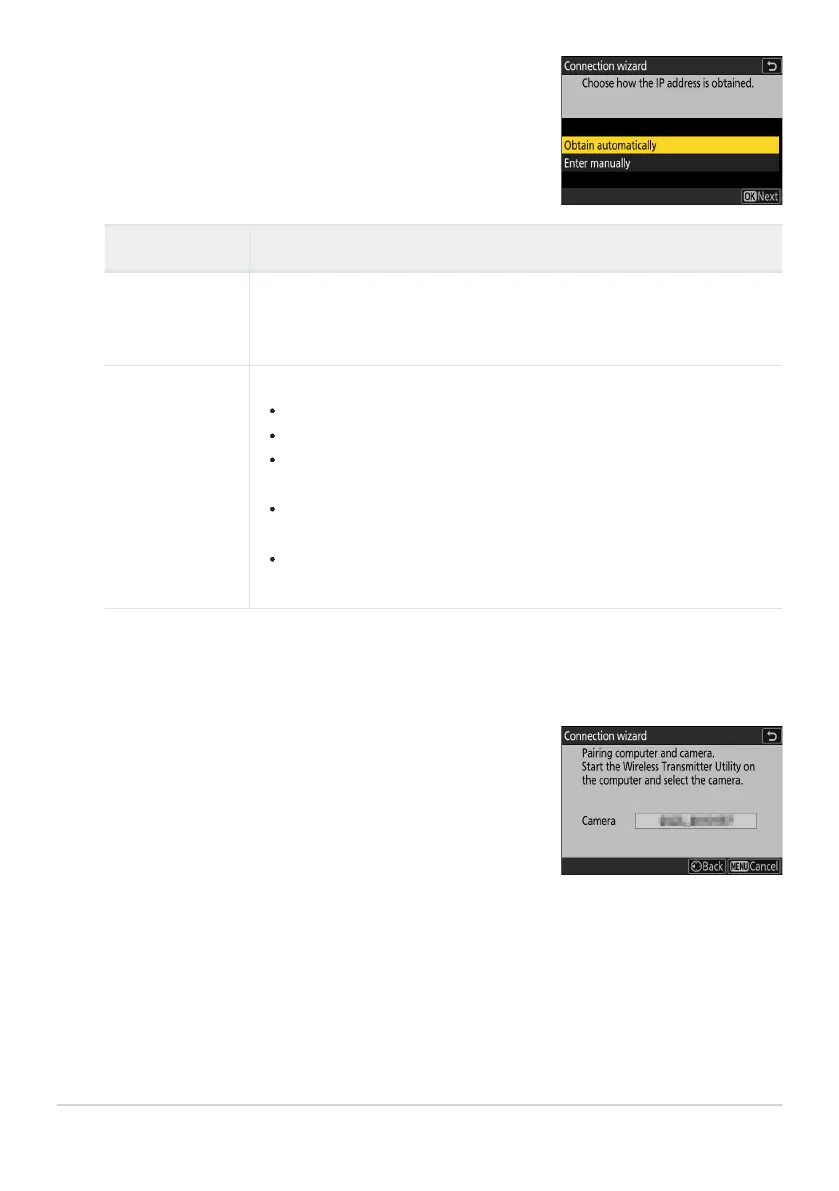
Obtain or select an IP address.
Highlight one of the following options and pr
ess J.
Start pairing.
When prompt
ed, launch the Wireless Transmitter Utility on the
computer.
Option Description
[Obtain
automatically]
Select this option if the netw
ork is configured to supply the IP address
automatically. A “configuration complete” message will be displayed
once an IP address has been assigned.
[Enter manually]
Ent
er the IP address and sub-net mask manually.
Press
J; you will be prompted to enter the IP address.
Rotate the main command dial to highlight segments.
Press 4 or 2 to change the highlighted segment and press J to save
changes.
Next, press X; a “configuration complete” message will be displayed.
Press X again to display the sub-net mask.
Press 1 or 3 to edit the sub-net mask and press J; a “configuration
complete” message will be displayed.
Press J
to proceed when the “configuration complete” message is displayed.
331
Comput
ers: Connecting via Ethernet
6
7
8



 To Next Page