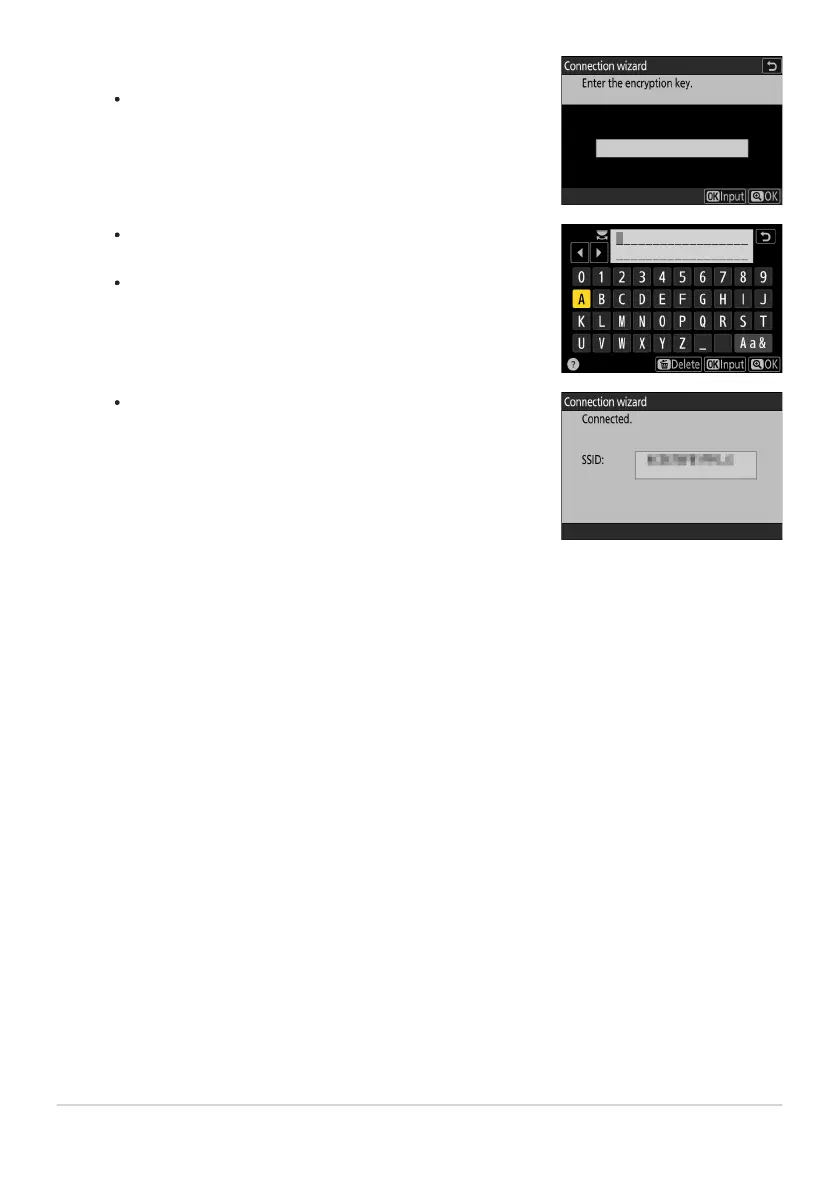
Enter the encryption key.
Press
J and enter the encryption key for the wireless router.
For more information, see the documentation for the
wireless r
outer.
Press X when entry is complete.
Press X again to initiat
e the connection. A message will
be displayed for a few seconds when the connection is
established.
345
FTP Servers: Connecting via Wireless LAN
7



 To Next Page