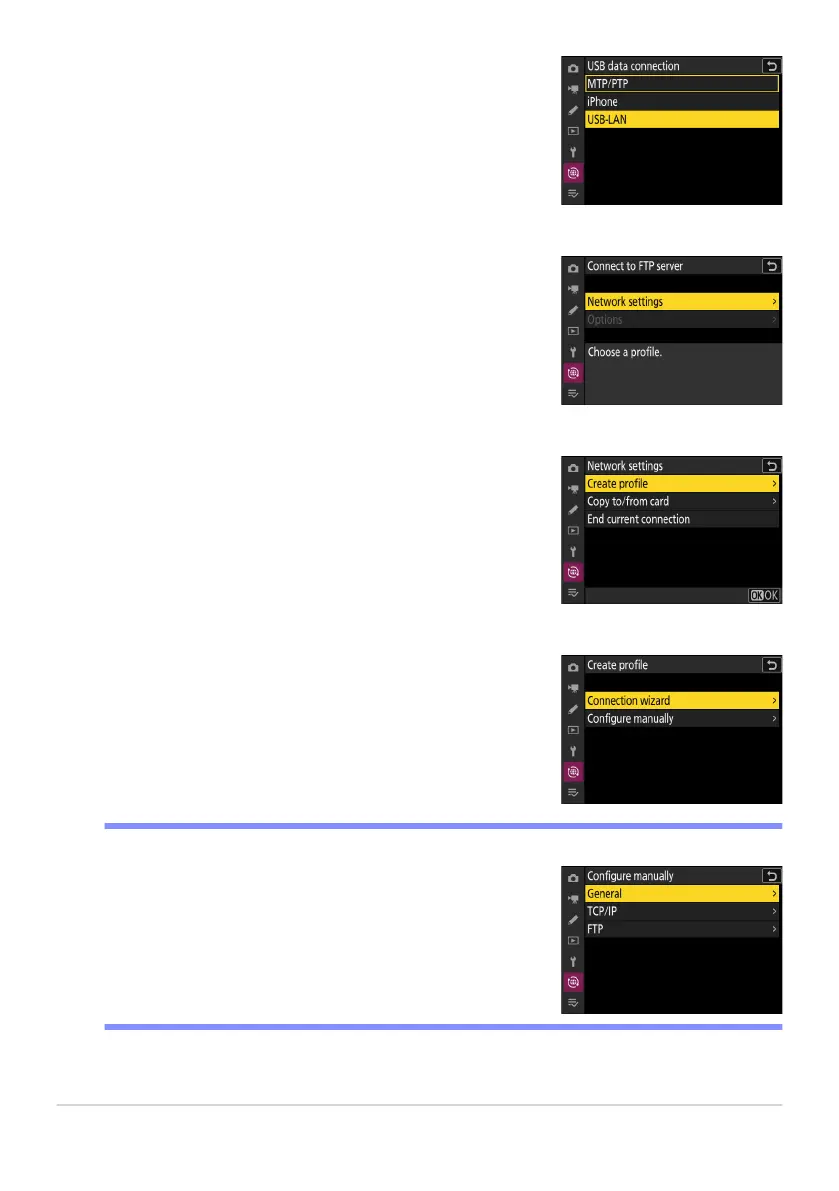
Select [USB-LAN] for [USB data connection] in the network
menu.
Select [Connect to FTP server] in the network menu, then
highlight [Netw
ork settings] and press 2.
Highlight [Create profile] and press J.
Highlight [Connection wizard] and press 2.
The connection wizard will launch.
Choose [Configure manually] t
o configure settings manually.
D Manual Configuration
353
FTP Servers: Connecting via Ethernet
2
3
4
5



 To Next Page