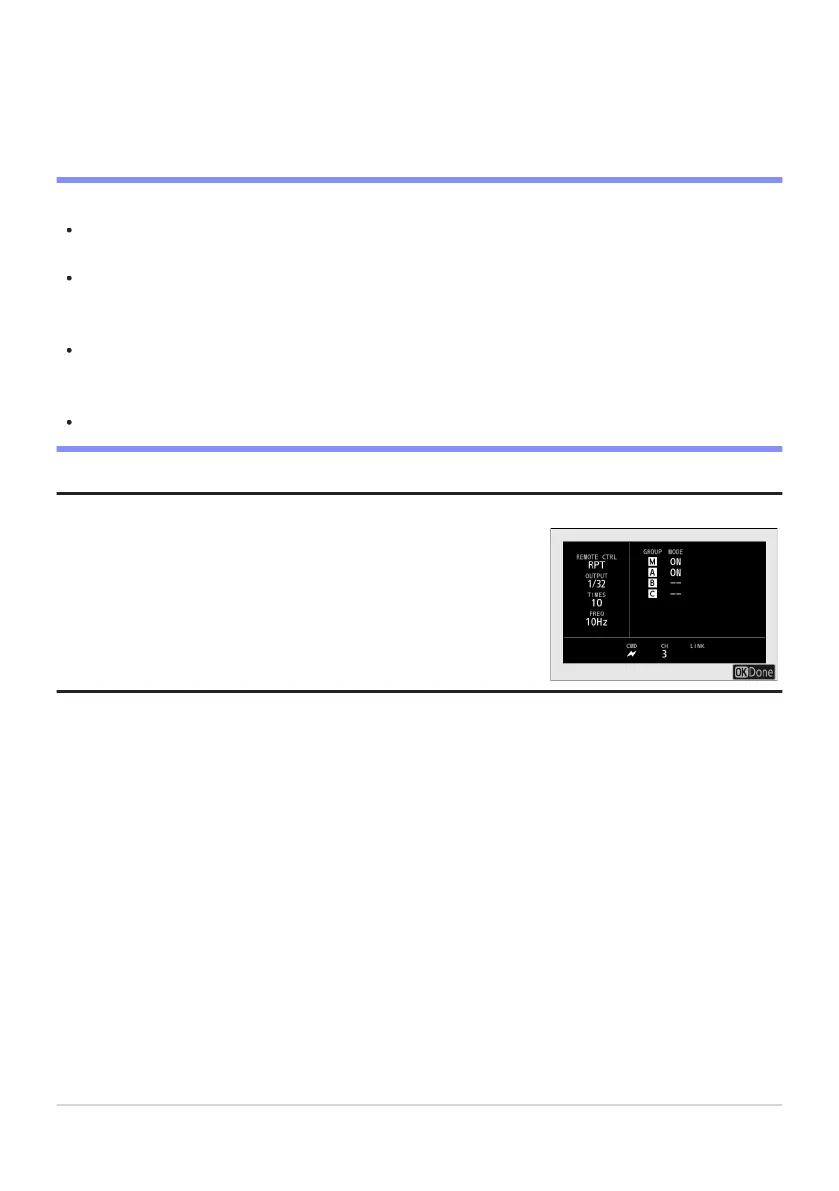
Remote repeating options can be viewed using the [Flash info]
item in the
i menu, which can be added to the menu using Custom
Setting f1 [Customize i menu].
C/f: Take the photograph after confirming that the flash-ready lights for all flash units
are lit.
D Optical AWL
Position the sensor windows on the remote flash units to pick up the light from the master flash.
Particular care is required if the master flash is mounted on a hand-held camera.
Be sure that direct light or strong reflections from the remote flash units do not enter the camera
lens (in [TTL] mode) or the photocells on the remote flash units ([qA] mode). Otherwise light from
the flash units may interfere with exposure.
Even if [--] is selected for [Master flash]> [Mode], the master flash may emit low-intensity timing
flashes. These flashes may appear in photographs taken at short range. This can be prevented by
choosing low ISO sensitivities or small apertures (high f-numbers).
After positioning the remote flash units, take a test shot and view the results in the camera display.
Tip: Flash Info
417
Optical AWL
7



 To Next Page