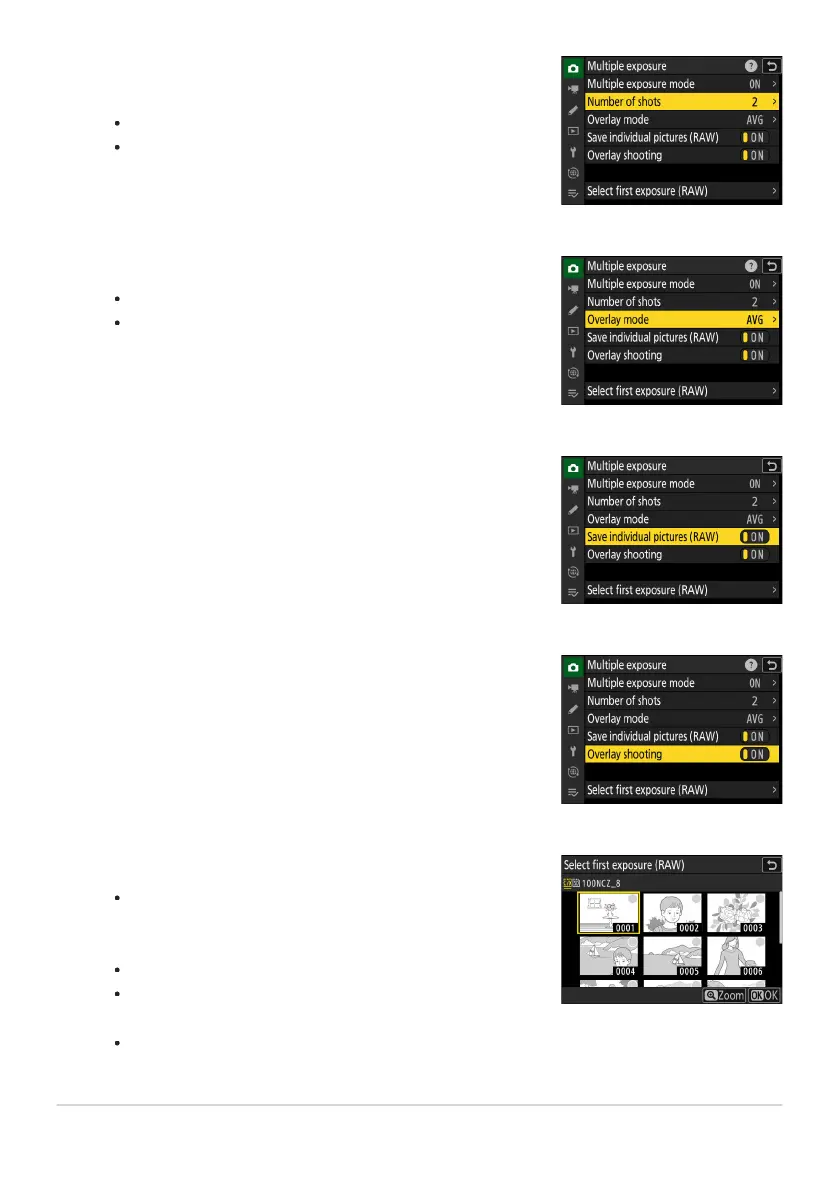
Choose a value for [Number of shots] (number of
exposures).
Highlight [
Number of shots] and press 2.
Choose the number of exposures using 1 or 3 and press J.
Select an [Overlay mode].
Highlight [Overlay mode] and pr
ess 2.
Highlight an option using 1 or 3 and press J.
Choose a setting for [Save individual pictures (RAW)].
To sav
e both the multiple exposure and the shots that make
it up, select [ON]; the individual shots are saved in NEF (RAW)
format. To save only the multiple exposure, select [OFF].
Choose an option for [Overlay shooting].
Select [ON] to superimpose earlier exposur
es on the view
through the lens. You can use the earlier exposures as a guide
when composing subsequent shots.
Choose an option for [Select first exposure (RAW)].
To choose the fir
st exposure from existing NEF (RAW)
photos, highlight [Select first exposure (RAW)] and press
2.
Highlight the desired picture using the multi selector.
To view the highlighted picture full screen, press and hold
the X button.
After highlighting the desired picture, press J.
474
Multiple Exposure
3
4
5
6
7



 To Next Page